The short answer
A for loop runs the same block of code a set number of times, with a counter that changes each time. An array is a list of values under one name, numbered from 0. Together:
const int PINS[] = { 2, 3, 4, 5 };

for (int i = 0; i < 4; i++) {
  pinMode(PINS[i], OUTPUT);   // i = 0, 1, 2, 3 → pins 2, 3, 4, 5
}
Four pinMode calls in three lines, and adding a fifth pin means changing one list, not copying a line.
How a for loop counts
for (int i = 0; i < 4; i++) {
  Serial.println(i);
}
The round brackets hold three parts, separated by semicolons:
| Part | Here | What it does | When |
|---|---|---|---|
| start | int i = 0 | makes the counter and sets it to 0 | once, at the beginning |
| condition | i < 4 | keep going while this is true | before every turn |
| step | i++ | add 1 to the counter | after every turn |
Step by step, the board does this:
| Turn | i | i < 4? | Prints |
|---|---|---|---|
| 1 | 0 | yes | 0 |
| 2 | 1 | yes | 1 |
| 3 | 2 | yes | 2 |
| 4 | 3 | yes | 3 |
| — | 4 | no → stop |
It prints 0, 1, 2, 3: four numbers, starting at 0 and never reaching 4. That "start at 0, stop before the count" shape is the one you will write most often, because it matches how arrays are numbered.
Arrays: many values, one name
const int NOTES[] = { 262, 294, 330, 349 }; // C D E F, in hertz- The square brackets
[]say "this is an array". The compiler counts the items for you. NOTES[0]is 262,NOTES[1]is 294, …NOTES[3]is 349. The first item is number 0, not 1.- The number in brackets is called the index. An array of 4 items has indexes 0 to 3.
| Index | 0 | 1 | 2 | 3 |
|---|---|---|---|---|
NOTES[index] | 262 | 294 | 330 | 349 |
All items in one array have the same type: all int, or all float, and so on. See variables and data types for which type to pick.
Together: play a tune
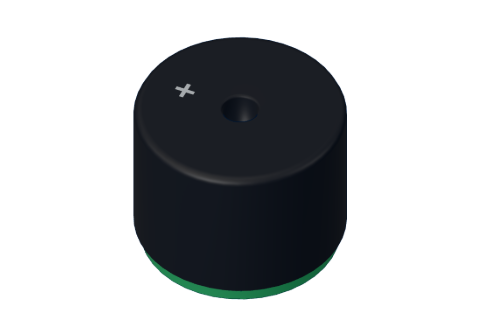
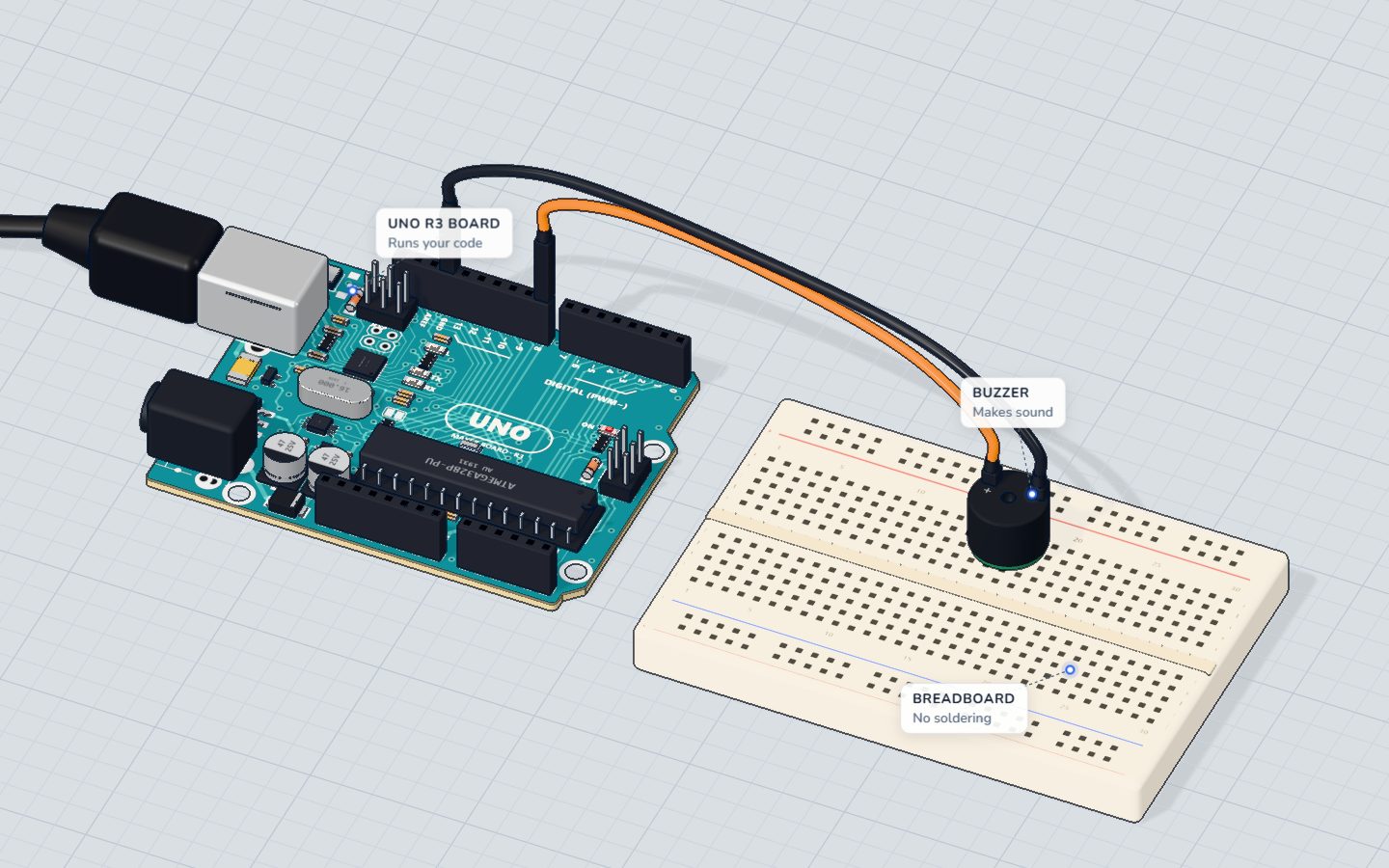
This is the core of our tune project. Two arrays line up side by side: the note and how many beats it lasts.
const int BUZZER = 8;
// "Ode to Joy" (Beethoven): E E F G G F E D C C D E E D D
const int NOTES[] = { 330, 330, 349, 392, 392, 349, 330, 294, 262, 262, 294, 330, 330, 294, 294 };
const int BEATS[] = { 1, 1, 1, 1, 1, 1, 1, 1, 1, 1, 1, 1, 1, 1, 2 };
const int COUNT = 15;
const int BEAT = 300; // ms

void loop() {
  for (int i = 0; i < COUNT; i++) {
    int ms = BEATS[i] * BEAT;
    tone(BUZZER, NOTES[i], ms - 30);
    delay(ms);
  }
  delay(1500);
}igoes 0 to 14, one turn per note.NOTES[i]andBEATS[i]use the same index, so note numberialways gets its own length.ms - 30stops each note 30 ms early, so two equal notes in a row sound like two notes and not one long one.
Want a new song? Change the two lists and COUNT. The loop stays the same.
Together: read eight keys
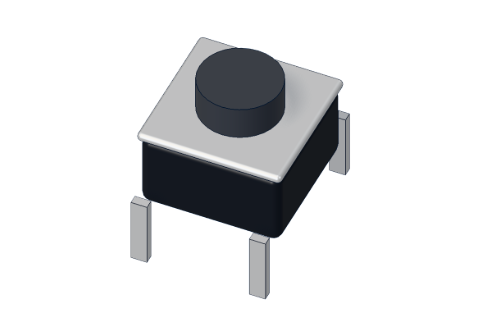
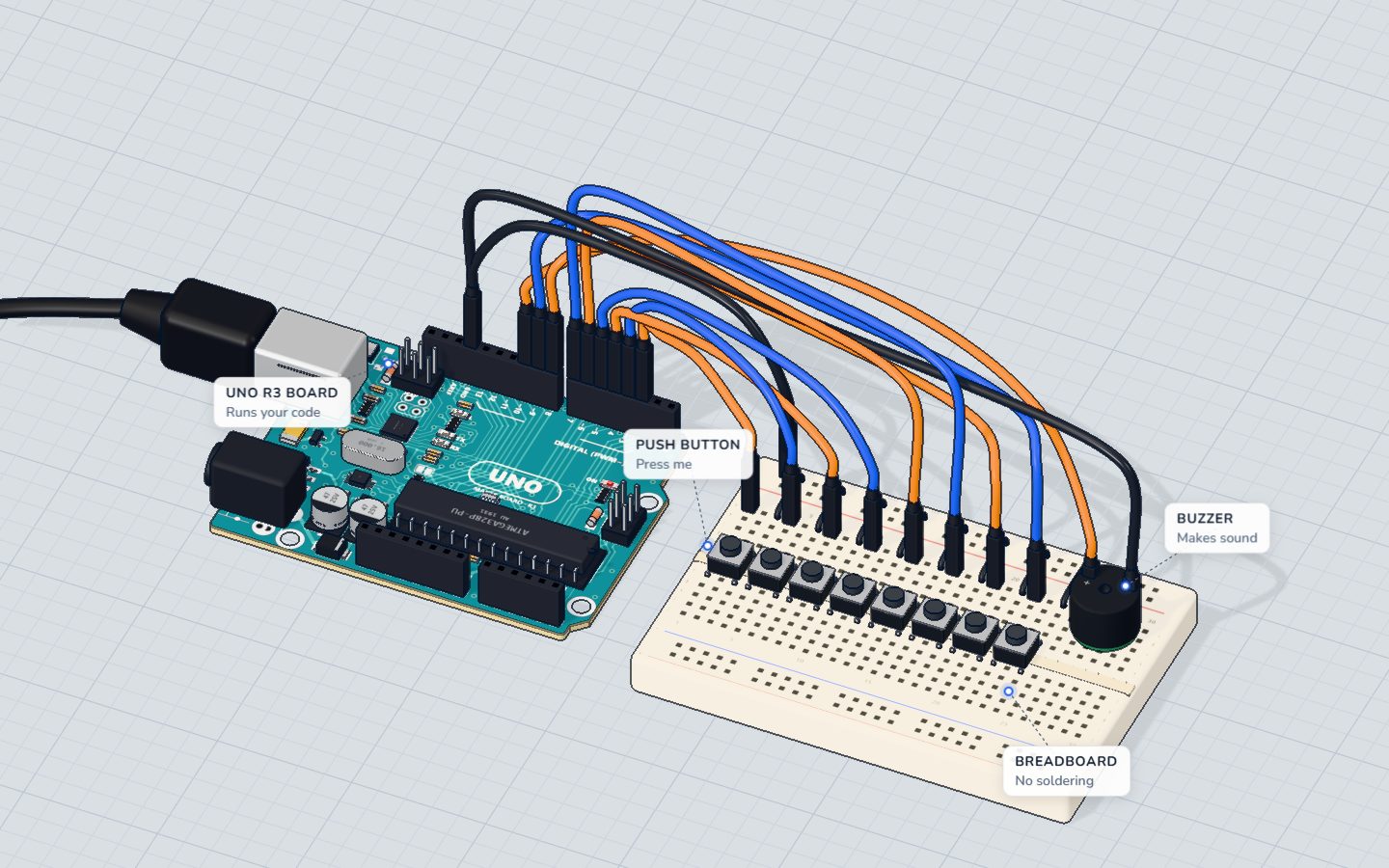
The mini piano has eight buttons on pins 2 to 9. Instead of eight digitalRead lines, it scans them:
const int KEYS[] = { 2, 3, 4, 5, 6, 7, 8, 9 };

void setup() {
  for (int i = 0; i < 8; i++) pinMode(KEYS[i], INPUT_PULLUP);
}

void loop() {
  int down = -1;                      // -1 = no key
  for (int i = 0; i < 8; i++) {
    if (digitalRead(KEYS[i]) == LOW) down = i;   // pressed keys read LOW
  }
  // down is now 0…7 for the key that is pressed, or -1
}
The loop asks every key "are you pressed?" and remembers which number answered yes. That index then picks the note from a second array, NOTES[down]. One loop, eight keys, and the if inside does the deciding.
Counting the items for you
Writing COUNT = 15 by hand works, but it is easy to forget to update. This line lets the compiler count:
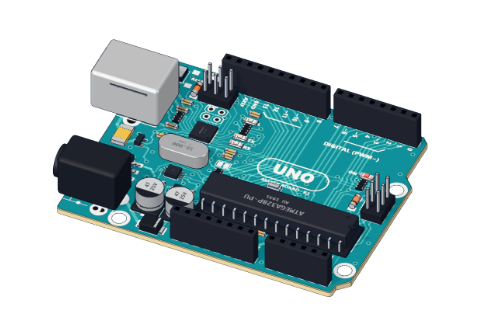
const int COUNT = sizeof(NOTES) / sizeof(NOTES[0]);sizeof(NOTES) is the size of the whole array in bytes (15 × 2 = 30 on an UNO, where an int is 2 bytes). Divide by the size of one item and you get 15.
Common mistakes
- Going one past the end.
for (int i = 0; i <= 4; i++)on a 4-item array readsNOTES[4], which does not exist. The board does not warn you: it reads whatever memory comes next. Use<, not<=. - Starting at 1.
NOTES[1]is the second item. Arrays start at 0. - A semicolon after the
).for (int i = 0; i < 8; i++);loops eight times doing nothing, then runs the block once. - Arrays of different lengths. If
NOTEShas 15 items andBEATShas 14, the last note reads a random length. Keep paired arrays the same size. - A long
delay()inside a scanning loop. The piano scans all eight keys thousands of times a second. Adddelay(500)inside and the keys feel dead. See millis() vs delay().
Check yourself
How many times does for (int i = 0; i < 5; i++) run?
It starts at 0 and stops when i reaches 5, so i takes the values 0, 1, 2, 3, 4.
With const int PINS[] = { 7, 8, 9 }; what is PINS[1]?
Arrays start at index 0, so PINS[0] is 7 and PINS[1] is 8.
Why is i <= 3 wrong for a 3-item array?
A 3-item array has indexes 0, 1 and 2. Index 3 is past the end.
Questions people ask
Can a for loop go on forever?
Only if its condition never becomes false, like for (;;). You rarely need that on an Arduino, because loop() already repeats forever.
How big can an Arduino array be?
The UNO has 2 KB (2048 bytes) of RAM for all your variables. An int array of 100 items uses 200 bytes, which is fine; 1000 items would fill it. Fixed lists such as notes can be stored in flash memory with PROGMEM when they get large.
What is the difference between a for loop and a while loop?
A for loop is best when you know how many times to repeat: 8 keys, 15 notes. A while loop repeats until something happens, such as "while the button is held". Each can do the other's job, but the right one reads more clearly.
Can I change the values in an array while the sketch runs?
Yes, if you leave out const. int scores[3] = {0, 0, 0}; then scores[1] = 42; changes the second item. Keep const for lists that never change, like pins and notes.
What's next
Build the mini piano and change its notes, then make every key press count exactly once with button debounce.
Build it yourself in 3DFree, in your browser — no board, no wires, nothing to buy.Open the 3D lab →Your progress stays on this device — no account, nothing sent anywhere.
Last updated 2026-11-11