The short answer
A variable is a name for a piece of memory that holds a value. You make one by writing its type, its name, and (usually) a starting value:
int count = 0;The type says what kind of value fits in the box and how big it can get. On the UNO, the ones you need most are int for whole numbers up to ±32,767, unsigned long for times from millis(), float for numbers with decimals, and bool for true/false.
The types, in one table
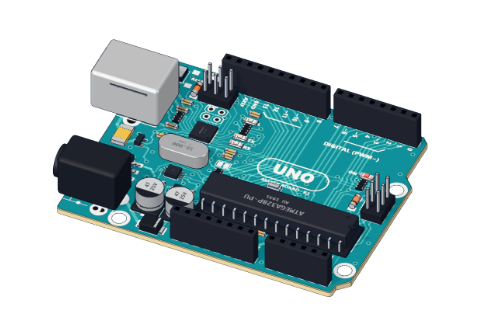
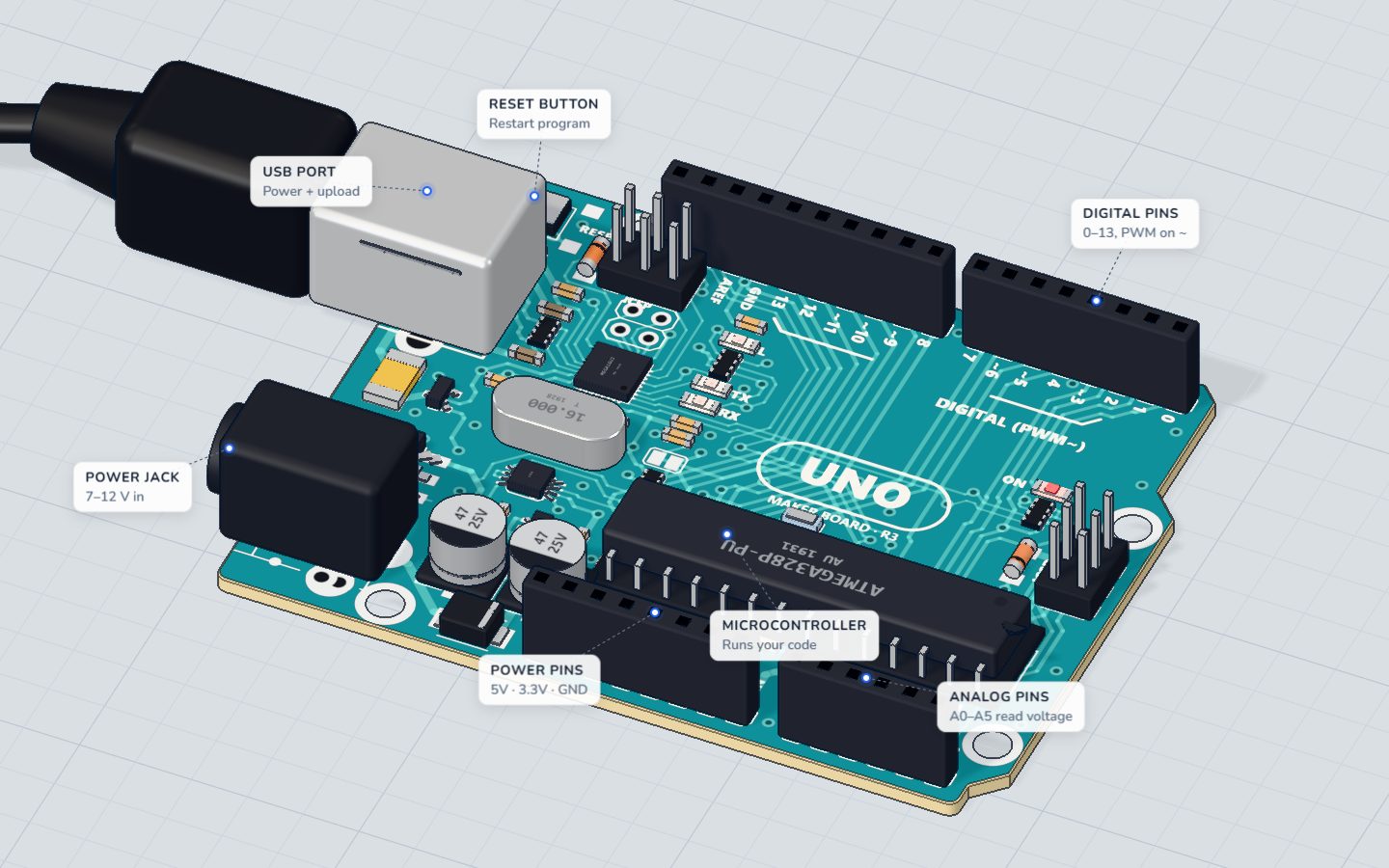
The UNO's chip (the ATmega328P) is an 8-bit microcontroller with only 2 KB of memory for variables. So its types are smaller than on a laptop:
| Type | Size | Holds | Use it for |
|---|---|---|---|
bool | 1 byte | true or false | on/off, pressed/not pressed |
byte | 1 byte | 0 … 255 | analogWrite() values, small counters |
char | 1 byte | one letter, like 'A' | text, one character at a time |
int | 2 bytes | −32,768 … 32,767 | pins, readings, most numbers |
unsigned int | 2 bytes | 0 … 65,535 | counts that are never negative |
long | 4 bytes | about ±2.1 billion | big numbers, distances in µs |
unsigned long | 4 bytes | 0 … 4,294,967,295 | times from millis() |
float | 4 bytes | decimals, about 6–7 digits | volts, temperatures |
Overflow: when the box is too small
If a number grows past the top of its type, it doesn't stop. It wraps around to the bottom, like a car's odometer:
int x = 32767;
x = x + 1;
Serial.println(x);   // prints -32768 !
This catches people in two classic places:
- Timers.
int t = millis();breaks after 32.7 seconds, becausemillis()has gone past 32,767. Useunsigned long(see millis() vs delay()). - Multiplying.
int area = 200 * 200;should be 40,000, but that is too big for anint, and the UNO gives −25,536. Writelong area = 200L * 200;(theLmakes the maths happen inlong).
Integer division: the missing decimals
When you divide two whole numbers, the answer is a whole number too. The fraction is dropped, not rounded:
| Code | Result |
|---|---|
7 / 2 | 3 |
1 / 3 | 0 |
7.0 / 2 | 3.5 |
analogRead(A0) * 5 / 1023 | 0 … 5, in whole volts only |
analogRead(A0) * 5.0 / 1023.0 | 0.00 … 5.00 V ✓ |
Put a decimal point on one of the numbers (5.0) and the whole calculation is done in float. Our TMP36 thermometer needs exactly this to turn a reading into degrees.
const: values that never change
Pin numbers and settings never change while the sketch runs. Mark them const:
const int LED = 13;
const int DARK = 400;   // below this it counts as dark
This does two good things. You can write LED everywhere instead of a bare 13, so changing the pin is one edit. And if you accidentally write LED = 5; later, the compiler stops you with an error. Every project in our 3D lab starts like this.
Where a variable lives: scope
Where you write a variable decides who can see it and how long it lasts:
int presses = 0;          // global: every function sees it, it lives forever

void loop() {
  int reading = analogRead(A0);   // local: only inside loop(), made new every turn
  if (reading > 500) presses = presses + 1;
}- A global variable (outside any function) keeps its value between turns of
loop(). Use it for things you count or remember. - A local variable (inside
{ }) is created fresh each time. Use it for a reading you only need right now.
A classic bug: putting int presses = 0; inside loop(). It resets to 0 on every turn, so the count never grows. (If you want a local variable that remembers, write static int presses = 0;.)
Common mistakes
- Times in an
int. After 32.7 s the timer goes wrong. Useunsigned longfor anything frommillis(). - Decimals disappear.
5 / 1023is 0. Write5.0 / 1023.0. - A counter that never counts. It is declared inside
loop()and resets every turn. Move it abovesetup(). =instead of==.if (x = 5)sets x to 5 (and is always true). To compare, writeif (x == 5).- Big arrays.
int data[1000];takes 2000 of your 2048 bytes and the board crashes in odd ways. Usebyteif the values fit, or store less.
Check yourself
What does this print on an UNO: int x = 32767; x = x + 1;
An int on the UNO is 2 bytes and wraps from its top (32,767) to its bottom (−32,768).
Which type should hold the value of millis()?
millis() returns an unsigned long; an int overflows after about 33 seconds.
What is 7 / 2 in Arduino code?
Dividing two whole numbers drops the fraction. Write 7.0 / 2 to get 3.5.
Questions people ask
What is the difference between int and long in Arduino?
On the UNO, int is 2 bytes (−32,768 to 32,767) and long is 4 bytes (about ±2.1 billion). Use long when a number can grow past 32,767, like microseconds from pulseIn() or big multiplications.
Why does my Arduino variable reset?
It is probably declared inside loop(), so it is created again every turn. Declare it above setup() (global), or add static in front of it.
Should I use float or int on Arduino?
Use int (or long) whenever whole numbers are enough: they are faster and exact. Use float only for real decimals, like volts or °C. The UNO has no hardware for decimals, so float maths is slower.
How much memory does an Arduino UNO have for variables?
2 KB (2048 bytes) of SRAM. The Arduino IDE shows how much your global variables use after each upload. Keep big tables of text with F("…") or PROGMEM to save it.
What's next
See the types at work in Arduino code basics: setup() and loop(), then use unsigned long for real in millis() vs delay().
Your progress stays on this device — no account, nothing sent anywhere.
Last updated 2026-11-07