The short answer
delay(ms) stops the whole program for that many milliseconds. Nothing else runs. millis() does not stop anything: it just tells you how many milliseconds have passed since the board started. You check the clock on every turn of loop(), and act only when enough time has passed.
Use delay() for tiny tests. Use millis() as soon as your sketch has to do two things at once, like blink an LED and notice a button.
The problem with delay()
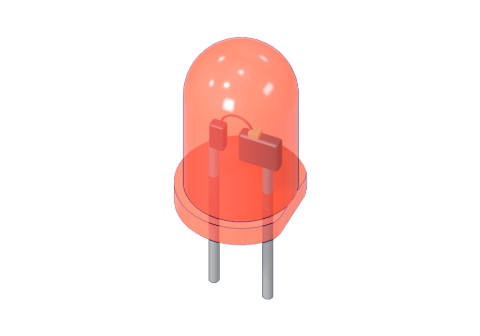
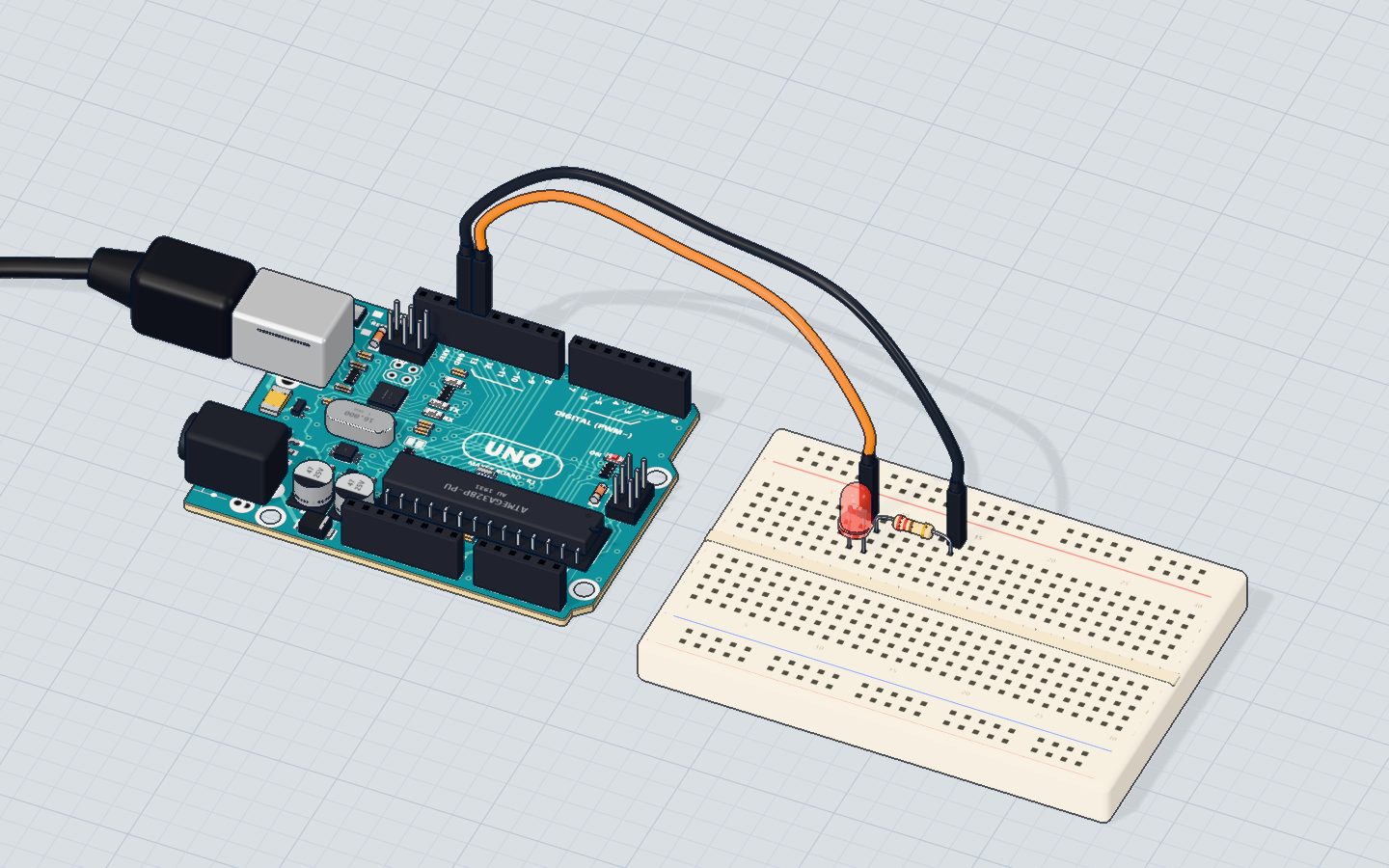
Here is the Blink sketch from our first project:
void loop() {
  digitalWrite(13, HIGH);
  delay(1000);
  digitalWrite(13, LOW);
  delay(1000);
}
It spends almost all of its time waiting. Each turn of loop() takes 2 seconds, and only a few microseconds of that are real work. Now add a button to it:
void loop() {
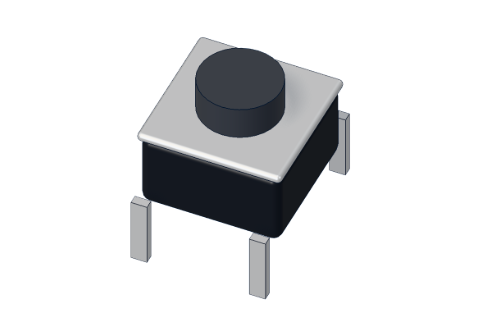
  if (digitalRead(2) == LOW) Serial.println("pressed!");
  digitalWrite(13, HIGH);
  delay(1000);
  digitalWrite(13, LOW);
  delay(1000);
}
The button is read once every 2 seconds. Press it quickly while the board is inside a delay() and the press is simply missed. That is why a game, a robot or an alarm built with delay() feels slow and "deaf".
delay(1000) | millis() | |
|---|---|---|
| What it does | waits 1 s, doing nothing | returns the time since start, in ms |
| Does the rest of the sketch run? | No | Yes |
| Good for | quick tests, short pauses | anything with more than one job |
How millis() works
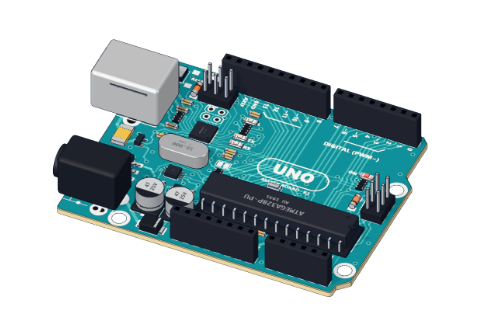
Inside the UNO's chip, a timer ticks all the time, even while your code runs. millis() reads it:
- right after reset,
millis()is about 0; - after 1 second, about 1000;
- after 1 minute, about 60000.
It returns an unsigned long, a whole number from 0 to 4,294,967,295. That is big enough for about 49.7 days. Then it rolls over to 0 and starts again. (More on why that is not a problem below.)
The pattern: blink without delay
Think of a kitchen timer. You don't stare at the oven for 20 minutes. You look at the clock, do other things, and every so often check: "has it been 20 minutes since I started?"
const int LED = 13;
const unsigned long EVERY = 1000;   // ms between changes
unsigned long last = 0;             // when the LED last changed
bool on = false;

void setup() {
  pinMode(LED, OUTPUT);
}

void loop() {
  if (millis() - last >= EVERY) {   // has 1 s passed?
    last = millis();                // remember when
    on = !on;                       // flip
    digitalWrite(LED, on);
  }
  // nothing waits: the rest of loop() runs thousands of times a second
}
Line by line:
unsigned long last = 0;remembers when we last did the job.millis() - last >= EVERYasks "how long since then?" and compares it with 1000 ms.last = millis();starts the timer again.on = !on;flipstruetofalseand back;digitalWrite(LED, on)writes it to the pin.
The LED blinks exactly like before, but loop() never stops. It now runs tens of thousands of times a second, and most turns it just checks the clock and moves on.
Two jobs at once
Now give each job its own last variable and its own interval:
const int LED = 13, BUTTON = 2;
unsigned long ledAt = 0, printAt = 0;
bool on = false;

void setup() {
  pinMode(LED, OUTPUT);
  pinMode(BUTTON, INPUT_PULLUP);   // pressed = LOW
  Serial.begin(9600);
}

void loop() {
  // job 1: blink every 500 ms
  if (millis() - ledAt >= 500) {
    ledAt = millis();
    on = !on;
    digitalWrite(LED, on);
  }
  // job 2: print the time every 2 s
  if (millis() - printAt >= 2000) {
    printAt = millis();
    Serial.print("running for ");
    Serial.print(millis() / 1000);
    Serial.println(" s");
  }
  // job 3: the button, checked all the time
  if (digitalRead(BUTTON) == LOW) Serial.println("pressed!");
}
Each if is a little clock of its own. You can add as many as you like. This is how real projects work: a robot reads its sensors, drives its motors and blinks a status light, all "at the same time".
The 49-day rollover is not a problem
After about 49.7 days millis() goes from 4,294,967,295 back to 0. Many beginners worry that millis() - last then becomes negative. It doesn't. Because both numbers are unsigned long, the subtraction wraps around too and still gives the right answer.
last | millis() | millis() - last |
|---|---|---|
| 4,294,967,000 | 4,294,967,200 | 200 |
| 4,294,967,000 | 104 (after rollover) | 400 ✓ |
The rule: always write millis() - last >= interval. Never write millis() >= last + interval; that version breaks at the rollover.
Common mistakes
- Storing the time in an
int. It overflows after 32.7 s and your timer goes strange. Useunsigned long. - Forgetting
last = millis();. Theifbecomes true on every turn and the job runs non-stop. - Mixing in a long
delay(). Onedelay(2000)anywhere stops every timer for 2 seconds. Remove it, or turn it into a timer too. - Using
millis()for very short times. For microseconds (like the HC-SR04's 10 µs pulse) usemicros()ordelayMicroseconds().
Check yourself
What does millis() return?
millis() counts from 0 at reset, about 1000 per second.
Why does a button feel "deaf" in a sketch with delay(1000)?
During delay() nothing else in the sketch runs, so a short press can happen and end unseen.
Which variable type should hold a time from millis()?
An int on the UNO stops at 32,767 (about 33 s); unsigned long lasts about 49.7 days.
Questions people ask
Is millis() more accurate than delay()?
Both use the same timer, so they are equally accurate: exactly as good as the board's 16 MHz clock, which can drift by several seconds an hour on an UNO. For a real clock, add an RTC module. The difference is that millis() lets other code run while time passes.
What happens to millis() after 49 days?
It rolls over to 0. If you always compare with millis() - last >= interval using unsigned long variables, your timers keep working through the rollover.
Can I use delay() and millis() in the same sketch?
Yes, and short delays (a few milliseconds) are fine. But a long delay() blocks everything, including your millis() timers, so keep them short.
What is the difference between millis() and micros()?
micros() counts microseconds (millionths of a second) and rolls over after about 70 minutes. On the UNO it moves in steps of 4 µs. Use it for very short timings.
What's next
Put the button timer to work in the push button project, then learn why unsigned long matters in Arduino variables and data types.
Your progress stays on this device — no account, nothing sent anywhere.
Last updated 2026-11-07