Smooth noisy sensor readings
The short answer
Take several readings and combine them. Random noise goes up and down equally, so it cancels out when you average. The simplest version:
long sum = 0;
for (int i = 0; i < 10; i++) {
  sum += analogRead(A0);
}
int average = sum / 10;
Ten reads, one steady number. The rest of this guide shows two better ways, and when to use each.
Why the numbers jump
analogRead() turns a voltage from 0 to 5 V into a number from 0 to 1023. That is steps of about 4.9 mV (5 V ÷ 1024). Real circuits are never perfectly quiet:
- the supply voltage wobbles a little (especially on USB power);
- wires pick up electrical noise from motors, phones and mains cables;
- the converter inside the chip has its own tiny errors;
- a sensor itself, such as a light sensor or a flex sensor, changes slightly all the time.
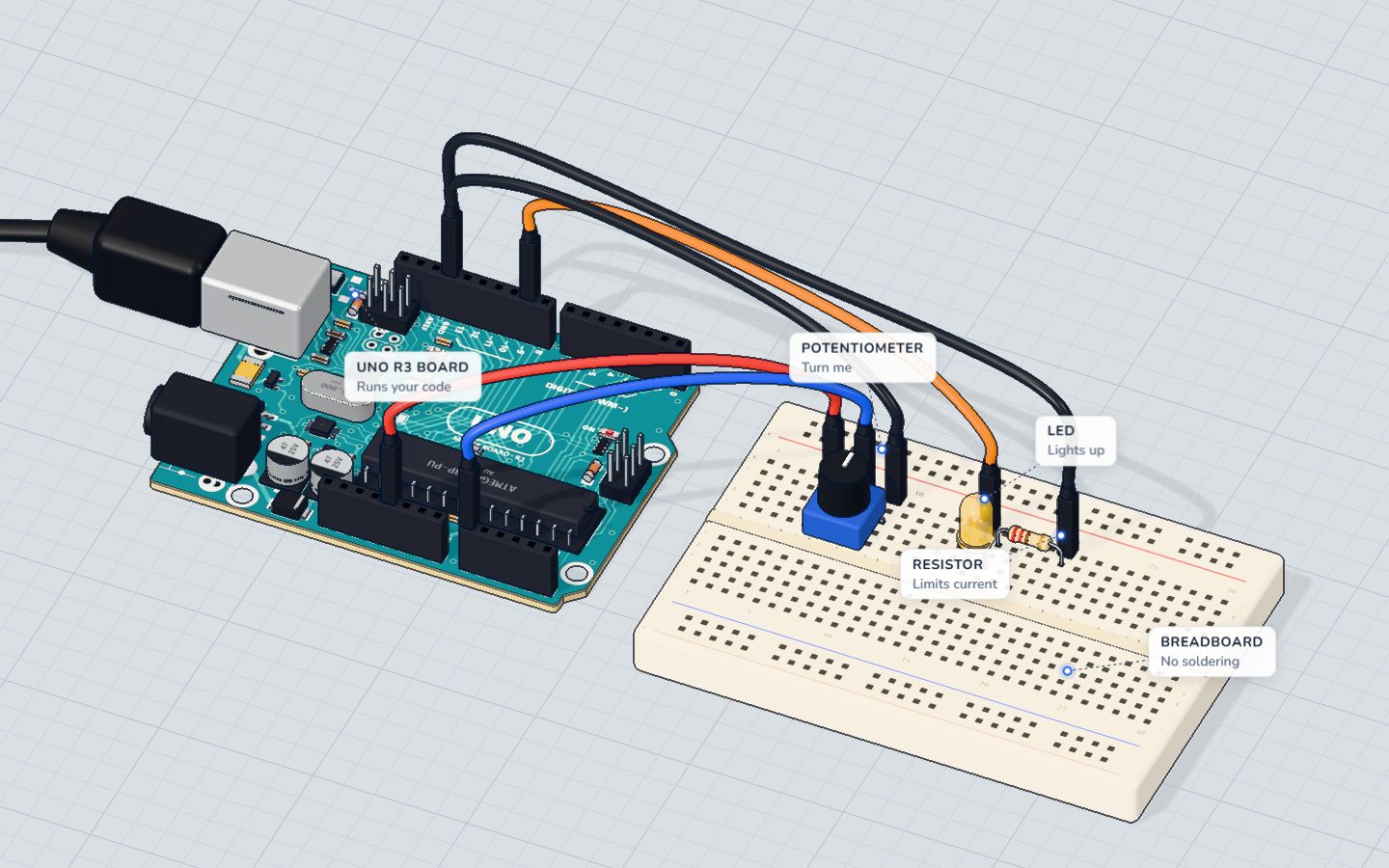
A wobble of just ±10 mV is two steps, so a steady knob can show 511, 513, 510… on the potentiometer project. That is normal. If the number only drives a dimming LED you will never see it. If you use it to decide something, like "turn the fan on above 512", the noise makes the fan flicker on and off.
| Reading goes to… | Does noise matter? |
|---|---|
dim an LED with analogWrite | rarely |
| print a number you read by eye | a little |
compare with a threshold (if) | yes: it flickers across the line |
| drive a servo | yes: it twitches |
Fix 1: average a batch
The loop above blocks for about 1 ms (an analogRead() takes roughly 0.1 ms on an UNO). Put it in a function:
int readAverage(int pin, int samples) {
  long sum = 0;                       // long: 33 or more reads of 1023 overflow an int
  for (int i = 0; i < samples; i++) {
    sum += analogRead(pin);
  }
  return sum / samples;
}

void loop() {
  int level = readAverage(A0, 16);
  Serial.println(level);
  delay(100);
}- More samples = smoother, but slower. Noise drops by about the square root of the count: 16 samples give about four times less noise than one.
- Use
longfor the sum. Aninton the UNO stops at 32,767, and 33 readings of 1023 already add up to more than that. Alongis safe for any sensible count. See variables and data types. - Best for: a reading you take now and then, such as once every 100 ms.
Fix 2: the moving average
Instead of ten new reads each time, keep the last ten readings in an array and average those. Each loop replaces only the oldest.
const int N = 10;
int readings[N];          // the last N values
int slot = 0;             // where the next one goes
long total = 0;

void setup() {
  Serial.begin(9600);
}

void loop() {
  total -= readings[slot];            // forget the oldest
  readings[slot] = analogRead(A0);    // take a new one
  total += readings[slot];            // add it
  slot = (slot + 1) % N;              // move on, back to 0 after N-1
  Serial.println(total / N);          // the average of the last N
  delay(20);
}
Each turn does one analogRead(), so loop() stays fast. The % (remainder) keeps slot between 0 and 9. The cost is lag: after a sudden change it takes N turns for the average to catch up.
Fix 3: exponential smoothing (the tiniest)
This needs no array, just one variable and one line:
float smooth = 0;

void loop() {
  int raw = analogRead(A0);
  smooth = smooth * 0.9 + raw * 0.1;   // 90% old, 10% new
  Serial.println(smooth);
  delay(20);
}
Each turn the smoothed value moves 10% of the way towards the new reading. A bigger new-share (0.5) reacts fast but stays noisy; a smaller one (0.05) is calm but slow.
| Method | Memory | Speed of reaction | Best for |
|---|---|---|---|
| Average a batch | none | one answer per batch | occasional readings |
| Moving average | an array | lags N turns | steady streams, simple to explain |
| Exponential | 1 variable | lag set by 0.9 / 0.1 | tiny sketches, fast loops |
Noise vs a real change
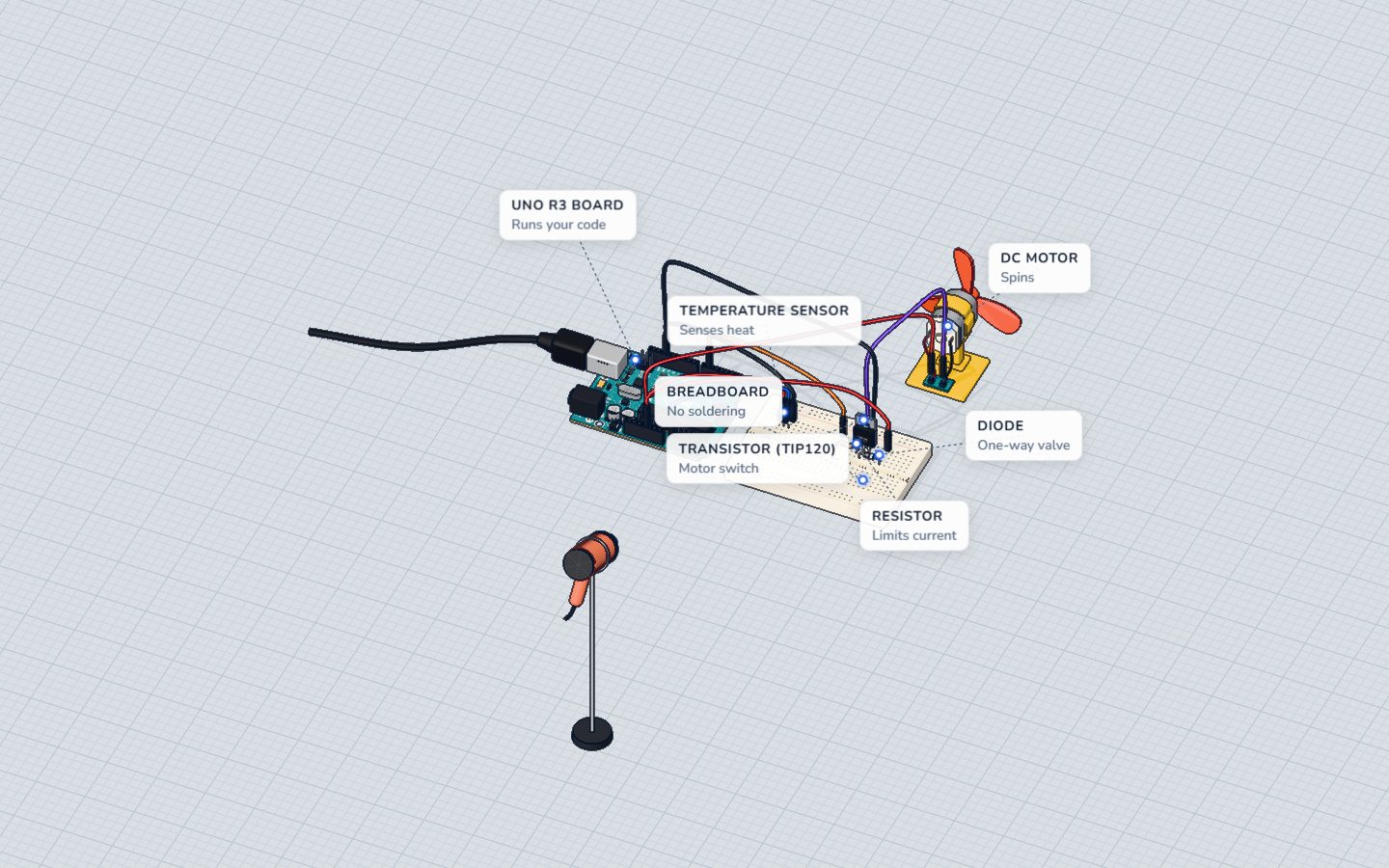
Smoothing always trades calm for speed. If you smooth too hard, your fan reacts to a real temperature change seconds late. For slow things (temperature, light, soil moisture) smooth as much as you like. For fast things (a button, a bounce, a drum hit), do not smooth the reading. Use a threshold with a gap instead:
if (level > 530) fanOn = true;
if (level < 490) fanOn = false;   // between 490 and 530: keep the old state
This gap is called hysteresis, and it is how a real thermostat avoids flicker. See the thermostat project.
Common mistakes
- Dividing an
intsum by a count and expecting decimals.sum / 10throws away the fraction. Usefloator accept whole numbers. - An
intsum that overflows. Uselongwhen you add many 10-bit readings. - Smoothing first, then using
delay(1000). A slow loop makes the smoothing meaningless. Read often, print rarely. - Starting the moving average at zeros. The first N results read too low. It settles after N turns, or pre-fill the array.
- Smoothing a fast signal. A knocked button or a tap sensor should be read raw.
Check yourself
Why is a steady knob reading 511, 513, 510?
Noise of a few millivolts is normal. At 4.9 mV per step it shows up as a few counts.
What does a longer moving average (bigger N) do?
More samples cancel more noise, but the average lags behind a sudden change.
In smooth = smooth * 0.9 + raw * 0.1, what does 0.1 control?
0.1 means 10% new, 90% old. A smaller number gives a calmer but slower value.
Questions people ask
How many samples should I average?
Start with 8 or 16. Each doubling of the count removes only about 30% of the remaining noise, so returns shrink fast. If 16 is not enough, the cause is usually the wiring or power, not the code.
Why not just use a capacitor?
A small capacitor (like 100 nF) across the sensor's output does a similar job in hardware. It can be a good addition, and you can use both. Code is easier to try, because you only change numbers.
Does analogRead() need a delay between reads?
The UNO has one converter shared by all analog pins. If you read two different pins back to back, the first read after switching can be slightly off. Throw away the first reading, or add a 1–2 ms pause when you switch pins.
What about analogReference()?
On an UNO, analogReference(INTERNAL) makes the converter use a 1.1 V reference instead of 5 V, so the 1024 steps cover a smaller range and each step is finer (about 1.1 mV). That helps with small signals, but it does not remove noise, and you must not feed more than 1.1 V to the pin.
What's next
Try each method on the potentiometer project and watch the Serial Monitor. Then read about digital vs analog to see where these 1024 steps come from.
Build it yourself in 3DFree, in your browser — no board, no wires, nothing to buy.Open the 3D lab →Your progress stays on this device — no account, nothing sent anywhere.
Last updated 2026-11-17