The short answer
map(value, fromLow, fromHigh, toLow, toHigh) takes a number from one range and gives back the matching number in another range.
int brightness = map(reading, 0, 1023, 0, 255);If reading is halfway (about 512), brightness is halfway too (127). constrain(x, low, high) then keeps a number inside limits, so a reading a little outside the range can never give a silly result.
Why you need it
Every input and output on the UNO speaks its own "range":
| Thing | Range |
|---|---|
analogRead() (knob, light sensor, soil sensor) | 0 … 1023 |
analogWrite() (LED brightness, motor speed) | 0 … 255 |
servo.write() (angle) | 0 … 180 |
| A percentage on a screen | 0 … 100 |
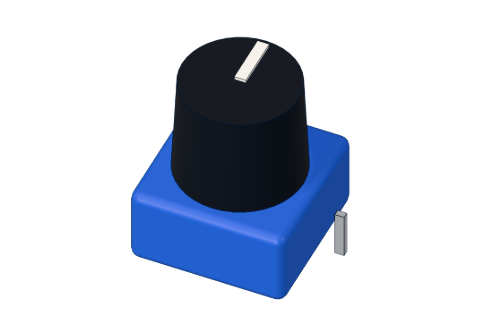
To make a knob control a servo, you need 1023 to become 180, 512 to become 90, and 0 to stay 0. That is exactly what map() does.
The formula inside
map() is one line of school maths:
result = (value − fromLow) × (toHigh − toLow) ÷ (fromHigh − fromLow) + toLow
Let's try map(512, 0, 1023, 0, 180):
| Step | Arithmetic | Result |
|---|---|---|
| How far into the old range? | 512 − 0 | 512 |
| Stretch it to the new size | 512 × 180 | 92,160 |
| Divide by the old size | 92,160 ÷ 1023 | 90 (whole number) |
| Move to the new start | 90 + 0 | 90° |
Half of the knob is half of the servo's swing. ✅
Example 1: a knob dims an LED
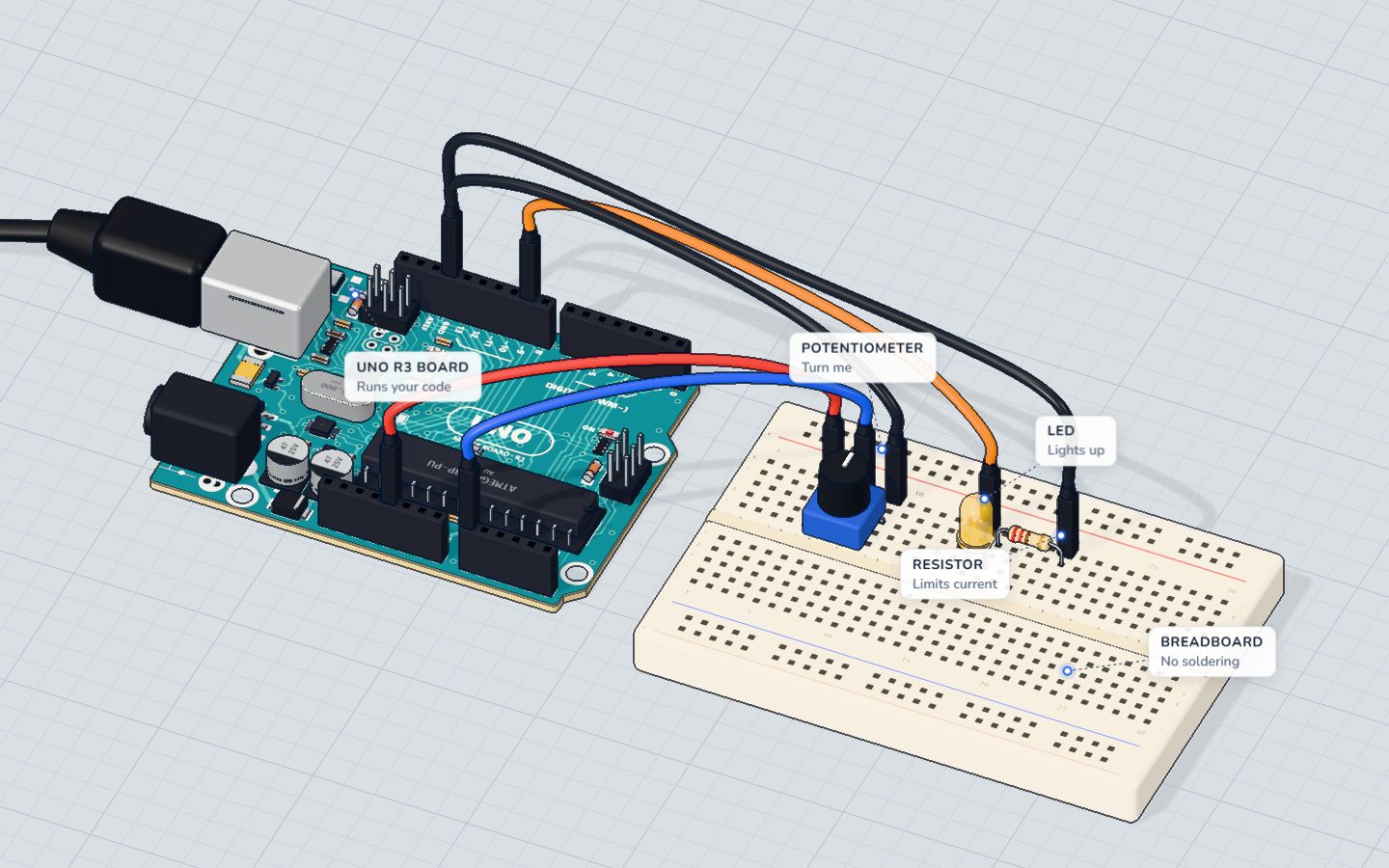
This is the code from our Knob project:
int reading = analogRead(KNOB);                 // 0 … 1023
int brightness = map(reading, 0, 1023, 0, 255); // 0 … 255
analogWrite(LED, brightness);
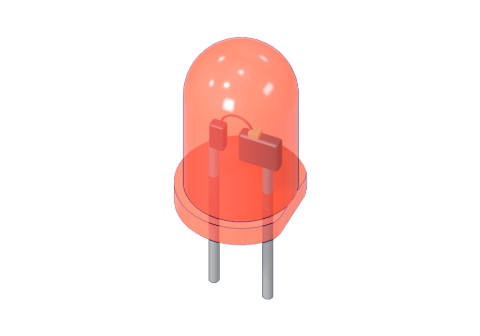
analogWrite() only understands 0 to 255, so without map() a reading of 1023 would be far too big. (A quick shortcut you will also see is reading / 4, which is nearly the same.)
Example 2: ranges can run backwards
map() doesn't care which way a range goes. Our Night light wants the LED brighter when it is darker:
analogWrite(LED, map(light, 0, DARK, 255, 30));When light is 0 (pitch black) the result is 255, full brightness. When light reaches DARK (400), the result is 30, a soft glow. The "to" range simply goes downwards.
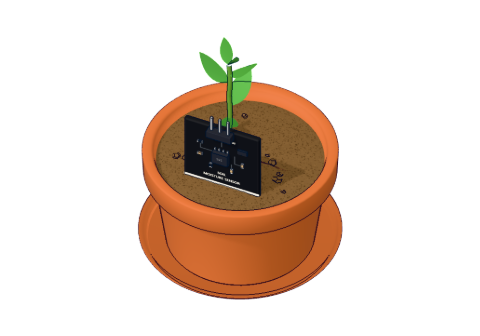
The soil sensor does the same with the "from" range: wetter soil reads lower (about 260 in water, 520 in dry air), so the plant monitor uses map(raw, DRY, WET, 0, 100) with DRY = 520 and WET = 260.
constrain(): keep it inside the lines
map() does not stop at the ends of the range. If the soil is even drier than your "dry" reading, say 560, then:
map(560, 520, 260, 0, 100) = −15 %
A negative percentage on the screen looks broken. constrain() fixes that:
int percent = constrain(map(raw, DRY, WET, 0, 100), 0, 100);constrain(x, 0, 100) with x = | gives |
|---|---|
| −15 | 0 |
| 42 | 42 |
| 118 | 100 |
This is the exact line from our Plant watering monitor. Use constrain() whenever a sensor's real readings might go past the numbers you measured.
The catch: whole numbers only
map() works with whole numbers (long integers). It cuts off any fraction; it does not round.
map(1, 0, 10, 0, 3)gives 0, not 0.3.map(5, 0, 10, 0, 3)gives 1, not 1.5.
For LED brightness or servo angles that is fine. If you need decimals, for example volts from a reading, do the maths with float yourself:
float volts = analogRead(A0) * 5.0 / 1023.0; // 0.00 … 5.00 VCommon mistakes
- The output goes the wrong way. The "from" or "to" range is upside down. Swap the two numbers of one range.
- Values past the ends.
map()does not limit its result. Wrap it inconstrain(). - Decimals disappear.
map()is integer-only. Usefloatmaths for volts and temperatures. - The servo jitters at the ends. Your knob may never reach exactly 0 or 1023. Measure its real ends in the Serial Monitor and use those numbers.
Check yourself
What does map(1023, 0, 1023, 0, 255) give?
The top of the old range becomes the top of the new range.
A soil sensor reads 560 but your range is 520 → 260. What does constrain(map(560, 520, 260, 0, 100), 0, 100) give?
map() alone gives −15; constrain() keeps it at the lower limit, 0.
What does map(5, 0, 10, 0, 3) return?
map() uses whole numbers and drops the fraction: 15 ÷ 10 = 1.
Questions people ask
Does Arduino map() work with decimals?
No. map() uses whole numbers and drops anything after the decimal point. For decimals, write the formula yourself with float variables.
Can map() reverse a range?
Yes. Put the numbers in the opposite order, for example map(x, 0, 1023, 255, 0), and big inputs give small outputs.
Why is my map() result bigger than the range?
map() does not limit its output. If the input goes beyond fromLow–fromHigh, the output goes beyond toLow–toHigh. Use constrain() around it.
What is the difference between map() and constrain()?
map() converts a number from one scale to another. constrain() doesn't convert anything; it only clips a number to a minimum and maximum. They are often used together.
What's next
Build the Knob project to see map() live, then try the Plant watering monitor, which uses map() and constrain() together.
Your progress stays on this device — no account, nothing sent anywhere.
Last updated 2026-11-07