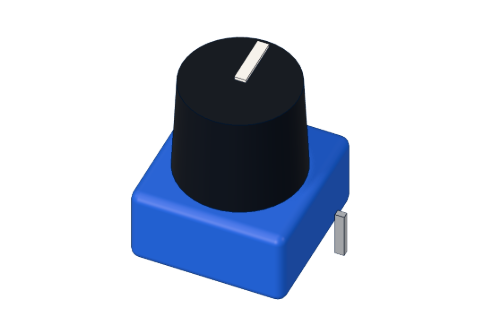
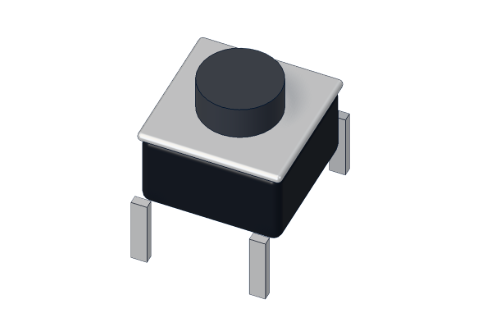
The short answer
- Digital has only two values: HIGH (about 5 V, also called 1 or true) and LOW (0 V, 0 or false). A button, a switch, an LED that is on or off.
- Analog can be any value in between. A knob, a light sensor, a temperature sensor.
On the Arduino UNO, digitalRead() tells you HIGH or LOW, and analogRead() measures a voltage between 0 and 5 V and gives you a number from 0 to 1023.
Digital: HIGH and LOW
A digital pin can be an output or an input.
- As an output,
digitalWrite(pin, HIGH)puts 5 V on it anddigitalWrite(pin, LOW)puts 0 V. That is how Blink switches an LED. - As an input,
digitalRead(pin)looks at the voltage on the pin. The ATmega328P counts anything above about 3 V as HIGH and anything below about 1.5 V as LOW. In between, the answer is not guaranteed — so keep your signals clearly at one end.
This is the heart of our Push-a-button project:
int now = digitalRead(BUTTON);
digitalWrite(LED, now);
The button joins 5 V to pin 2 while you press it, so digitalRead gives HIGH, and the LED copies it. When you let go, a 10 kΩ resistor pulls the pin to 0 V — otherwise it would float (see pull-up and pull-down resistors).
Analog: 0 to 1023
The UNO has a small measuring circuit called an ADC (analog-to-digital converter). It is 10-bit, which means it splits 0–5 V into 2¹⁰ = 1024 steps, numbered 0 to 1023.
| Voltage on A0 | analogRead(A0) gives |
|---|---|
| 0 V | 0 |
| 1.25 V | about 256 |
| 2.5 V | about 512 |
| 3.75 V | about 767 |
| 5 V | 1023 |
Each step is 5 V ÷ 1024 ≈ 4.9 mV (millivolts). To turn a reading back into volts, multiply by 5 and divide by 1023 — exactly what our Thermostat project does:
float volts = analogRead(SENSOR) * 5.0 / 1023.0;
float celsius = (volts - 0.5) * 100.0;The Knob project reads a potentiometer the same way and prints the number, so you can watch it move from 0 to 1023 as you turn:
int reading = analogRead(KNOB);                // 0 … 1023
int brightness = map(reading, 0, 1023, 0, 255); // 0 … 255
map() rescales one range to another — here from the input's 0–1023 to the 0–255 that analogWrite() wants.
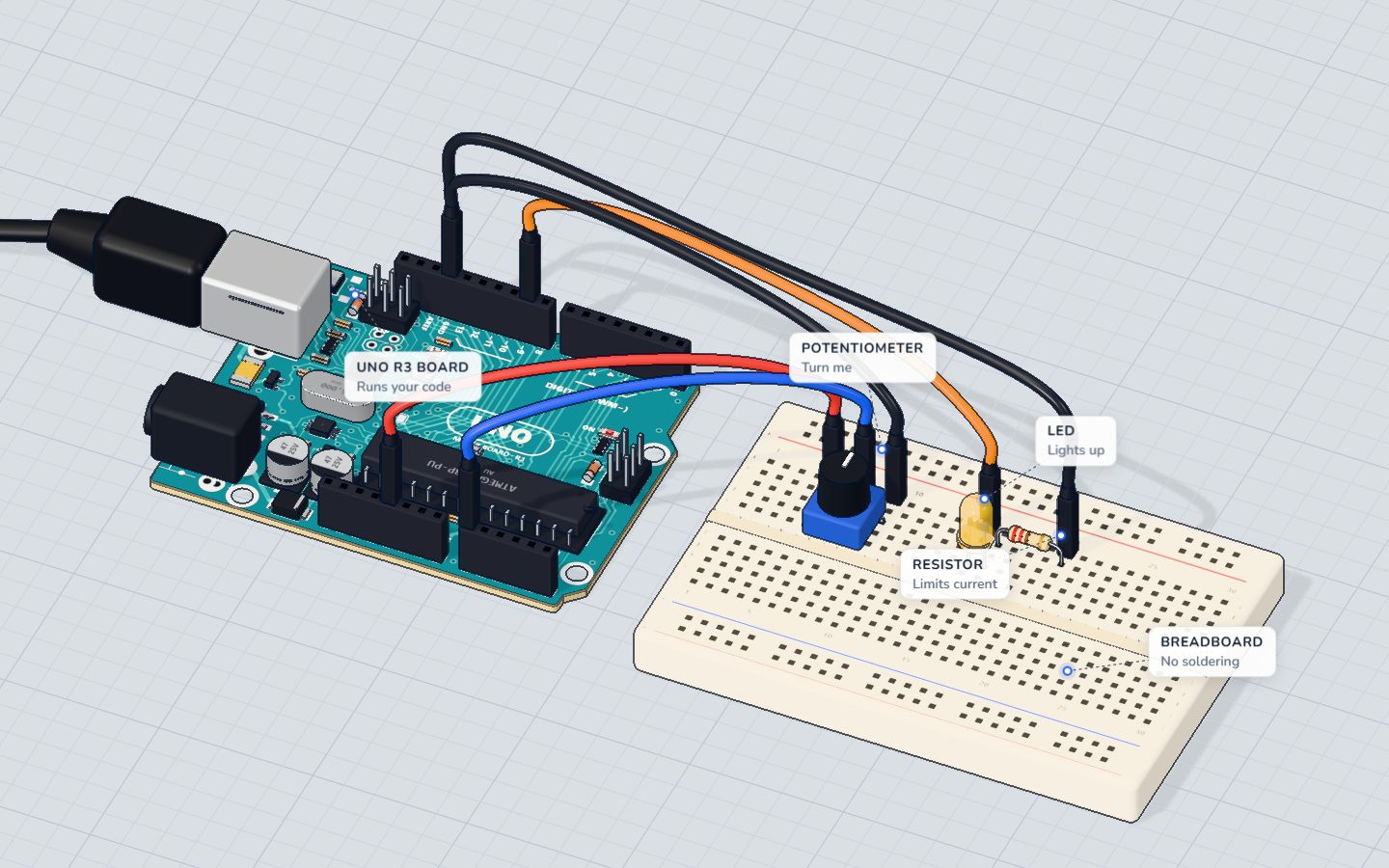
Which UNO pins do what
| Pins | Digital in/out | Analog in | Notes |
|---|---|---|---|
| D0, D1 | Yes | No | Also the USB serial link — avoid them while using Serial |
| D2–D13 | Yes | No | D3, D5, D6, D9, D10, D11 also do PWM (~) |
| A0–A5 | Yes (as pins 14–19) | Yes | The only pins that can measure a voltage |
So: a button can go on almost any pin, but a knob or a light sensor must go on A0–A5. The A pins also work as ordinary digital pins if you run out — digitalWrite(A0, HIGH) is fine.
What about analogWrite()?
The name is a little misleading. The UNO cannot output a real in-between voltage. analogWrite() switches a pin on and off very fast (PWM) so that an LED looks half bright or a motor runs at half speed. It only works on the six ~ pins. Read the full story in PWM explained.
| Read | Write | |
|---|---|---|
| Digital | digitalRead() → HIGH/LOW | digitalWrite() → 5 V / 0 V |
| Analog | analogRead() → 0–1023 (A0–A5) | analogWrite() → 0–255 PWM (~ pins) |
Check yourself
What range of numbers does analogRead() return on an Arduino UNO?
The UNO's ADC is 10-bit: 1024 steps, numbered 0 to 1023.
Which pins can measure a voltage with analogRead()?
Only the analog input pins A0–A5 are connected to the ADC.
analogRead(A0) gives 512. About what voltage is on A0?
512 is half of 1023, so about half of 5 V.
Questions people ask
What is the difference between analog and digital pins on Arduino?
Digital pins only understand two states, HIGH (5 V) and LOW (0 V). Analog pins A0–A5 can also measure any voltage between 0 and 5 V as a number from 0 to 1023.
Can I use analog pins as digital pins?
Yes. A0–A5 work exactly like digital pins (they are numbered 14–19 inside the chip): pinMode(A0, OUTPUT) and digitalWrite(A0, HIGH) both work.
Why does analogRead give 1023 and not 1024?
Because counting starts at 0. A 10-bit converter has 1024 different values, and they are numbered 0, 1, 2 … 1023.
Why does my analogRead value jump around when nothing is connected?
An unconnected pin is floating: it picks up noise from your hand and nearby wires. Connect the sensor properly, and give every input a clear path to 5 V or GND.
Build it yourself in 3DFree, in your browser — no board, no wires, nothing to buy.Open the 3D lab →Your progress stays on this device — no account, nothing sent anywhere.
Last updated 2026-10-29