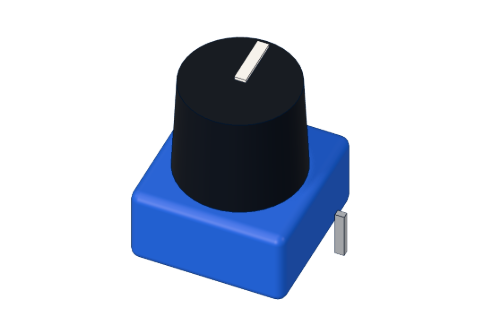
What you need
 Arduino UNO R3 (or a compatible board)
- USB cable (A to B)
- Jumper wires (male–male)
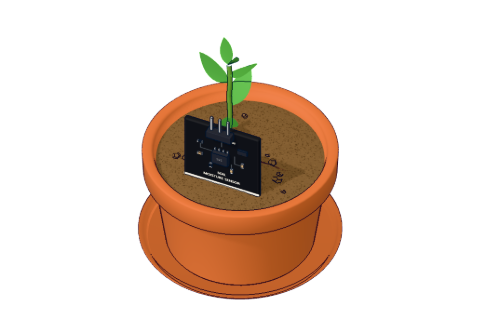 Capacitive soil-moisture sensor
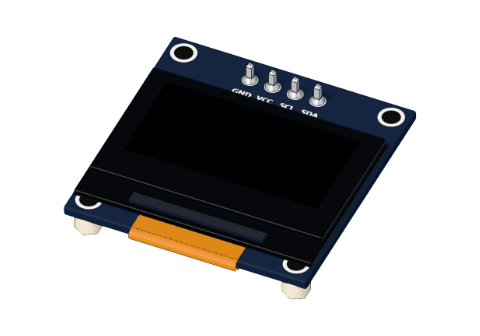 0.96" I²C OLED display
Don't have the parts? Build it in 3D first.
What it is
A capacitive soil moisture sensor is a flat probe you push into a plant pot. It gives a voltage that tells you how wet the soil is: about 2.5 V in dry soil and about 1.3 V in water. Wetter = lower. An Arduino's analog pin reads that voltage as a number from 0 to 1023.
It has three pins — GND, VCC and AOUT — and runs from 3.3 V or 5 V. See it in 3D.
How it works
Older soil sensors push current through the soil between two bare metal forks. That works for a few weeks, then the forks rust away. The capacitive sensor is cleverer: its copper is sealed under a coating, so nothing metal touches the soil.
The two hidden copper areas form a capacitor — two conductors close together that can store a little charge. How much they store depends on what is around them. Water stores far more than dry soil or air (about 80 times more than air), so the wetter the soil, the bigger the capacitance. A small chip on the board turns that into a voltage that falls as the soil gets wetter.
From voltage to a reading
Our 3D lab uses a straight line from dry to wet, matching typical sensors:
| Moisture | Voltage on AOUT | analogRead() |
|---|---|---|
| 0 % (dry air) | 2.54 V | ≈ 520 |
| 25 % | 2.22 V | ≈ 455 |
| 50 % | 1.91 V | ≈ 390 |
| 100 % (in water) | 1.27 V | ≈ 260 |
The reading is volts × 1023 ÷ 5: for example 2.54 V × 1023 ÷ 5 ≈ 520. If this is new to you, read digital vs analog.
Pins
| Pin | Goes to | What it does |
|---|---|---|
| GND | GND | Ground |
| VCC | 5V | Power (3.3 V works too) |
| AOUT | A0 | The moisture voltage |
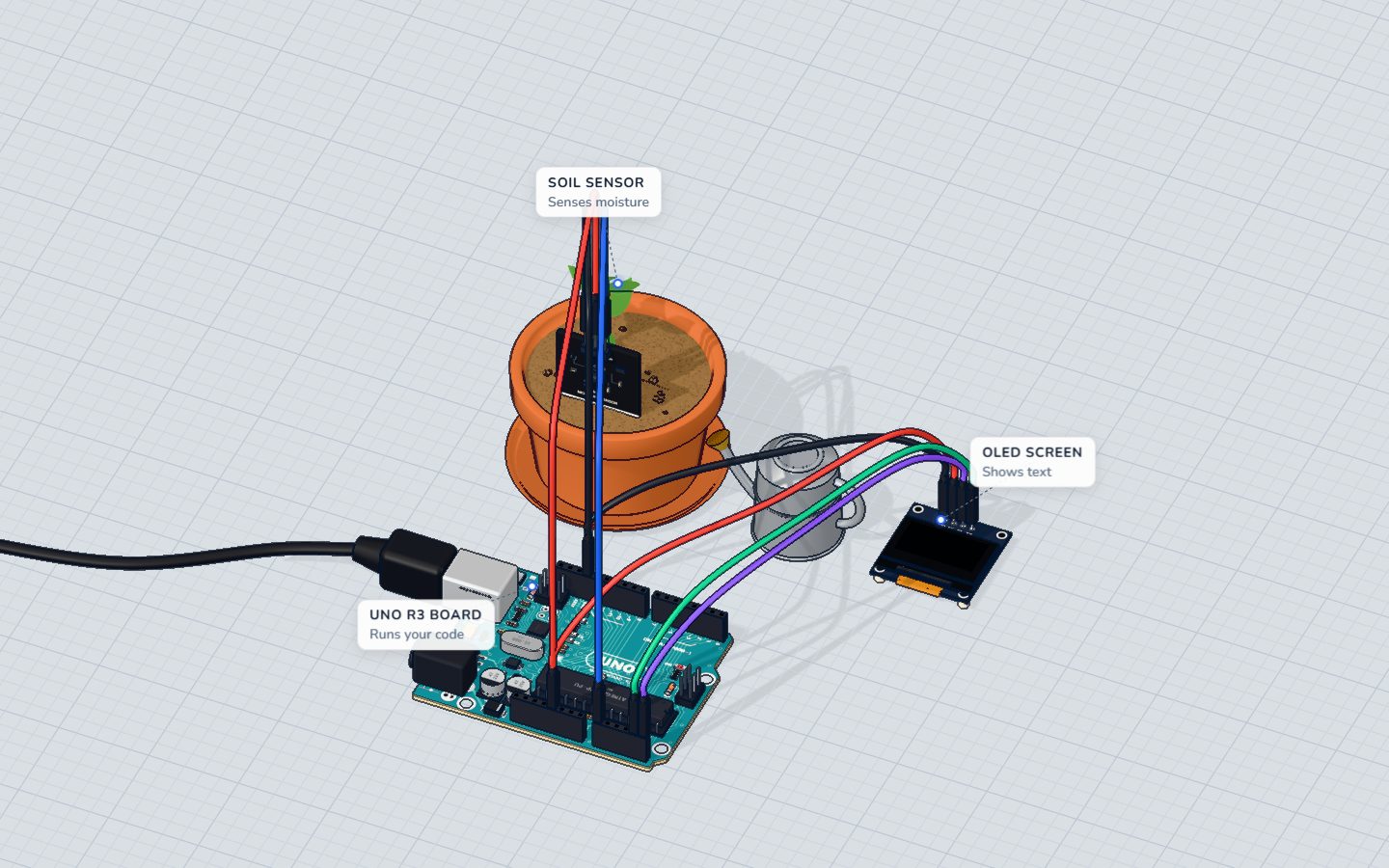
How to wire it to an Arduino
- GND → GND
- VCC → 5V
- AOUT → A0
Then push the probe into the soil up to the line on its board — the electronics at the top must stay dry.
Example code
The short version from the component page:
void setup() {
  Serial.begin(9600);
}

void loop() {
  int percent = map(analogRead(A0), 520, 260, 0, 100);
  Serial.println(constrain(percent, 0, 100));
  delay(500);
}analogRead(A0)gives 0–1023 for 0–5 V: about 520 dry, 260 wet.map(reading, 520, 260, 0, 100)stretches that range onto 0–100 %. The "from" range goes downwards (520 → 260) because wetter reads lower —map()handles that for you. For a reading of 455: (455 − 520) × 100 ÷ (260 − 520) = 25 %.constrain(percent, 0, 100)keeps the answer between 0 and 100, even if a reading lands a little outside the calibration.
The plant monitor uses the same two lines and shows the result on an OLED screen with "Water me!" below 30 %.
Calibrate your own sensor in 2 steps
Every sensor is a little different. Find your own two numbers:
- Dry: hold the probe in the air and note the reading on the Serial Monitor (with
Serial.println(analogRead(A0))). That is yourDRY. - Wet: put it in a glass of water, up to the line. Note the reading. That is your
WET.
Put them in the code: map(raw, DRY, WET, 0, 100). Done.
Common mistakes
- The percentage goes the wrong way.
DRYandWETare swapped inmap(). Dry must come first. - The reading never changes. AOUT is on a digital pin, or not connected. Use A0–A5.- Readings above 100 % or below 0 %. Your sensor's range differs from 520–260. Calibrate it, and keep
constrain().
Check yourself
What happens to the sensor's voltage when the soil gets wetter?
Wetter soil gives a lower voltage: about 2.5 V dry, 1.3 V in water.
Why use map(raw, 520, 260, 0, 100)?
map() stretches 520…260 onto 0…100.
Why doesn't a capacitive sensor rust like the old two-fork kind?
It measures capacitance through the coating instead of passing current through the soil.
Questions people ask
Capacitive vs resistive soil moisture sensor — which is better?
Capacitive. A resistive sensor passes current through bare metal in wet soil, so it corrodes within weeks. A capacitive sensor's copper is sealed, so it lasts far longer.
Does the capacitive soil moisture sensor work with 3.3 V?
Yes. It runs from 3.3 V or 5 V, but the readings change with the supply — calibrate it again if you switch.
How deep should I put the soil sensor?
Up to the line printed on its board. The tip should be near the plant's roots; the components at the top must stay out of the soil and water.
Where it is used
It is the input of the plant monitor, with an SSD1306 OLED as its face.
Build it yourself in 3DFree, in your browser — no board, no wires, nothing to buy.Open the 3D lab →Your progress stays on this device — no account, nothing sent anywhere.
Last updated 2026-10-29