
What you need
 Arduino UNO R3 (or a compatible board)
- USB cable (A to B)
 Half-size breadboard
- Jumper wires (male–male)
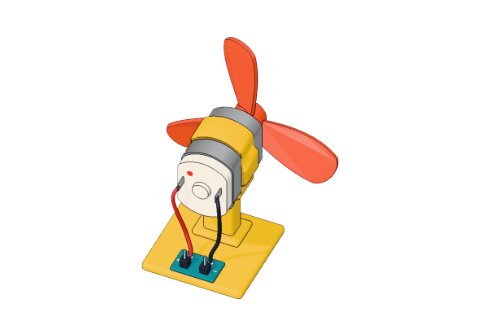 Small DC motor
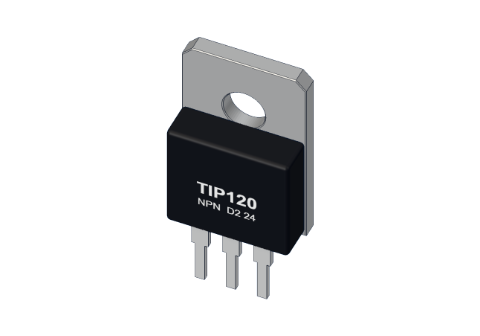 TIP120 transistor
 1 kΩ resistor
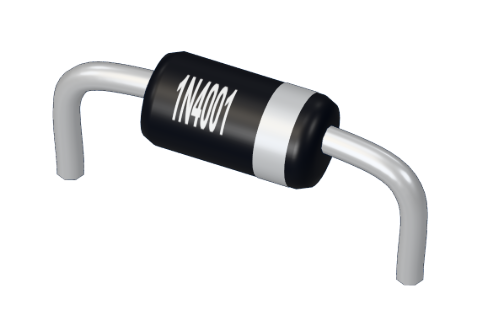 1N4001 diode
Don't have the parts? Build it in 3D first.
What it is
A DC motor spins when current flows through it. The one in our lab is a 130-size hobby motor, the kind inside toy cars and handheld fans. It runs on 3–6 V and draws about 0.5 A at full speed on 5 V. It has just two connections, + and −. Swap them and it spins the other way.
That half an amp is the catch: an Arduino pin can give only about 20 mA. So a motor is never wired straight to a pin — a transistor switches it, and the pin only tells the transistor what to do. See it in 3D.
How it works
Inside the metal can are two curved magnets. In the middle sits a spinning part (the armature) wound with coils of thin copper wire. When current flows through a coil, it becomes an electromagnet: it is pushed away by one magnet and pulled towards the other, so it turns.
Just as it would stop, two springy brushes rubbing on a split ring (the commutator) swap the current to the next coil. The push starts again, and again — thousands of times a minute. That is the whole trick.
The numbers our lab uses
| Value | |
|---|---|
| Winding resistance | 8 Ω |
| Transistor when on | about 2 Ω |
| Full-speed current | 5 V ÷ (8 Ω + 2 Ω) = 0.5 A |
| Pin limit | 20 mA (40 mA absolute) |
In the 3D lab the motor's speed follows its current: 0.5 A is full speed, 0.25 A is half speed. Watch the current dots flow through it.
Speed: PWM
A pin is either 5 V or 0 V — there is no "half". So analogWrite() cheats: it switches the pin on and off about a thousand times a second, and the number (0–255) sets how much of each moment it is on. The motor is too heavy to follow each flick; it feels the average.
| analogWrite value | On for | Average | The motor |
|---|---|---|---|
| 0 | 0 % | 0 V | Stopped |
| 64 | 25 % | ≈ 1.25 V | Slow (a real motor may not start) |
| 128 | 50 % | ≈ 2.5 V | About half speed |
| 255 | 100 % | 5 V | Full speed |
More in PWM explained.
Pins
| Pin | Goes to | What it does |
|---|---|---|
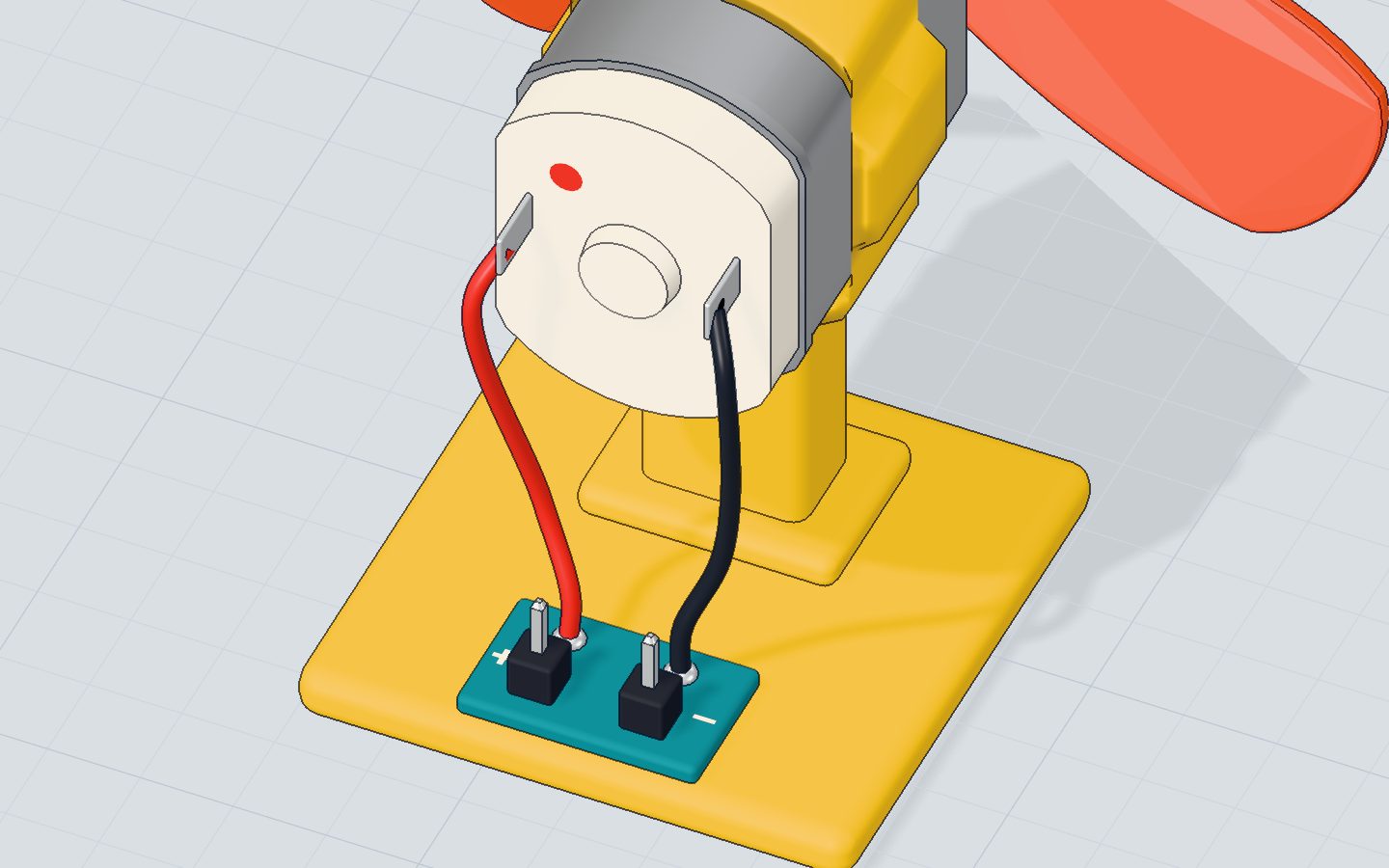
| + | 5V | Power in |
| − | The TIP120's collector | The transistor completes the path to GND |
How to wire it to an Arduino
- Motor + → 5V.
- Motor − → the collector of a TIP120 transistor.
- TIP120 emitter → GND; its base → 1 kΩ → pin 6.
- A 1N4001 diode across the motor, band towards 5 V, to catch the spike when it stops — see what a diode does.
Example code
From the motor project:
const int MOTOR = 6;   // a ~ pin, through the transistor

void setup() {
  pinMode(MOTOR, OUTPUT);
  Serial.begin(9600);
}

void loop() {
  for (int speed = 0; speed <= 255; speed += 15) {
    analogWrite(MOTOR, speed);
    Serial.print("speed ");
    Serial.println(speed);
    delay(150);
  }
  delay(1500);
  analogWrite(MOTOR, 0);
  Serial.println("stop");
  delay(1500);
}
for (int speed = 0; speed <= 255; speed += 15)climbs from stopped to full speed in 18 steps.analogWrite(MOTOR, speed)sets the share of time the transistor is on.delay(1500)holds full speed, thenanalogWrite(MOTOR, 0)stops it.
Common mistakes
- Motor straight on a pin. 5 V through the pin and 8 Ω is about 150 mA — the pin burns (it does in the 3D lab). Always use the transistor.
- It hums but doesn't turn at low values. Small motors need a push to start. Start at 255 for a moment, then slow down, or find the lowest value your motor still turns at and stay above it.
- The board resets when the motor starts. The motor's starting current makes the 5 V dip. Use a separate battery for the motor (sharing GND with the Arduino) for bigger motors.
- Spins the wrong way. Swap the two motor wires.
Check yourself
Why can't you connect a DC motor straight to an Arduino pin?
A transistor carries the motor's current; the pin only controls it.
What does analogWrite(6, 128) do to the motor?
128 out of 255 means the pin is on about half the time.
How do you make a DC motor spin the other way?
Reversing the current through the coils reverses the spin.
Questions people ask
How do I reverse a DC motor with Arduino code?
A single transistor can only switch it on and off. To choose the direction from code you need an H-bridge — four switches in one chip, such as the L298N or L9110 modules.
Can I power a DC motor from the Arduino's 5V pin?
A small 130 motor at about 0.5 A works from USB in short tests, as in our project. For bigger motors or several motors, use a separate battery and join its minus to the Arduino's GND.
Why does my motor need a diode?
When the transistor switches off, the motor's coil makes a voltage spike that can kill the transistor. A diode across the motor gives that spike a safe loop.
Where it is used
The motor turns the fan in the motor project and cools things down in the thermostat. For moving to an exact angle instead of spinning, meet the servo.
Build it yourself in 3DFree, in your browser — no board, no wires, nothing to buy.Open the 3D lab →Your progress stays on this device — no account, nothing sent anywhere.
Last updated 2026-10-29
