The short answer
PWM (pulse-width modulation) switches a pin on and off very fast — about 490 times a second on most UNO pins. The share of time it is on is called the duty cycle. An LED that is on 25 % of the time looks about a quarter bright; a motor gets a quarter of the push.
On Arduino you use it with analogWrite(pin, value), where value goes from 0 (always off) to 255 (always on). It works only on the pins marked ~: 3, 5, 6, 9, 10 and 11 on the UNO.
Duty cycle in one picture
The pin is always either 5 V or 0 V. What changes is how long each pulse lasts — the width of the pulse, hence the name. The average voltage is:
average = 5 V × value ÷ 255
analogWrite value | Duty cycle | Average voltage | An LED looks… |
|---|---|---|---|
| 0 | 0 % | 0 V | off |
| 64 | 25 % | ≈ 1.25 V | dim |
| 128 | 50 % | ≈ 2.5 V | medium |
| 191 | 75 % | ≈ 3.75 V | bright |
| 255 | 100 % | 5 V | full |
Why 255? The UNO's PWM is 8-bit: 2⁸ = 256 levels, numbered 0 to 255.
Why it works: your eyes and the motor are slow
At 490 pulses a second, each on-off cycle takes about 2 milliseconds. Your eye cannot see flicker that fast, so it averages the light: a short pulse looks dim, a long pulse looks bright. A motor is even slower — its spinning mass smooths the pushes into a steady speed.
Which pins can do PWM
| UNO pin | PWM (~)? |
|---|---|
| 3, 5, 6, 9, 10, 11 | Yes |
| 0, 1, 2, 4, 7, 8, 12, 13 | No — only fully on or off |
| A0–A5 | No |
Look at the board: the PWM pins have a little ~ printed next to their number. If you analogWrite() a non-PWM pin, it just turns on for values of 128 and above and off below — no dimming. See the UNO pinout for every pin.
Example 1: dim an LED with a knob
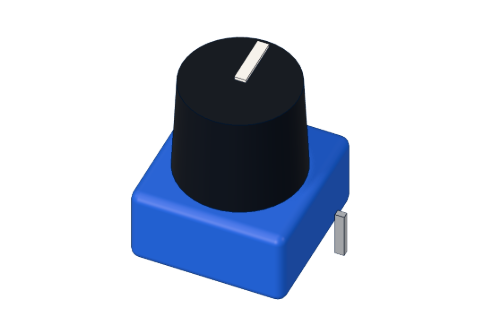
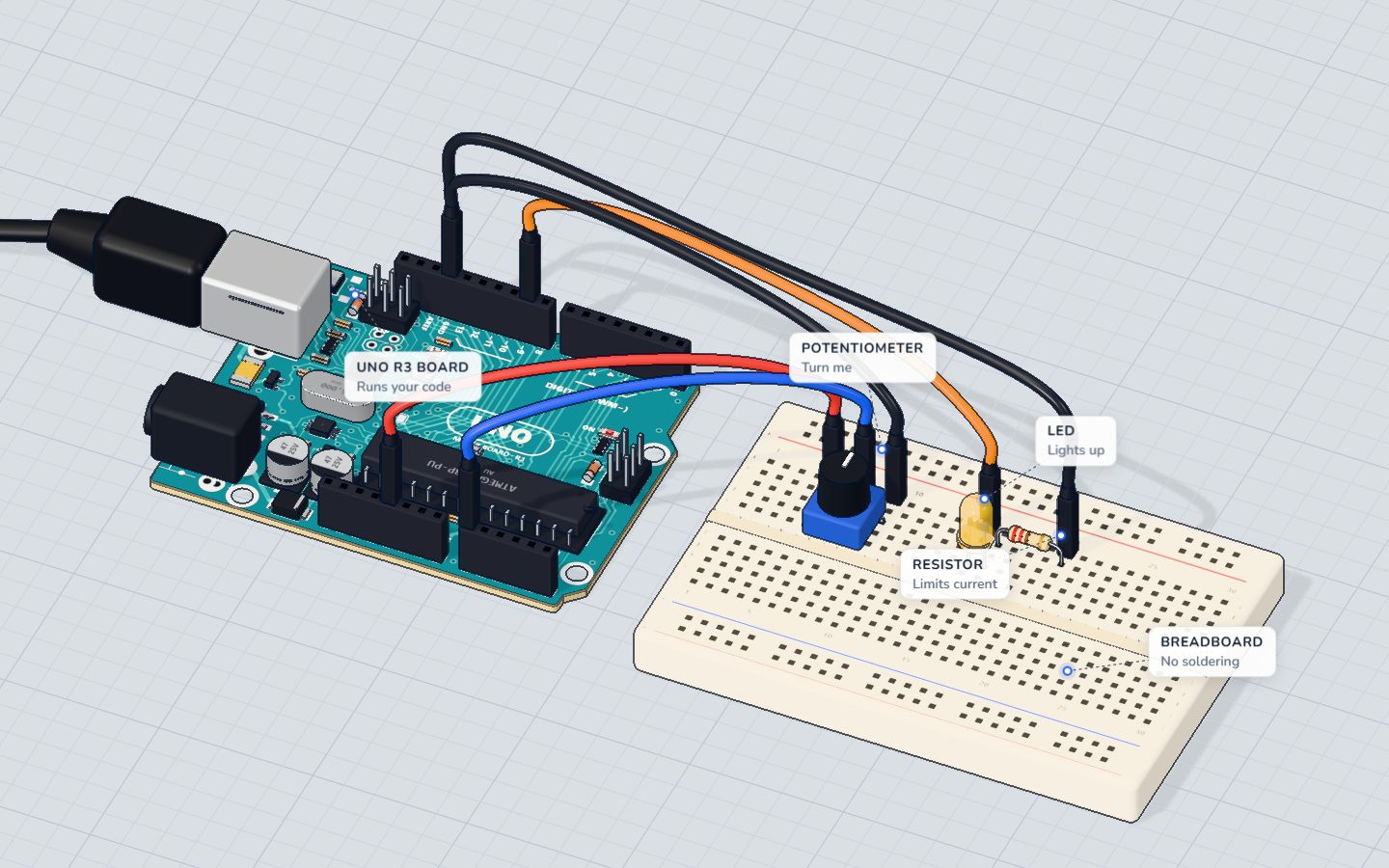
Our Knob project reads a potentiometer and sets the LED's brightness on pin 9 (a ~ pin):
const int KNOB = A0;
const int LED = 9;   // a ~ pin: it can dim

void setup() {
  pinMode(LED, OUTPUT);
  Serial.begin(9600);
}

void loop() {
  int reading = analogRead(KNOB);                // 0 … 1023
  int brightness = map(reading, 0, 1023, 0, 255); // 0 … 255
  analogWrite(LED, brightness);
  Serial.print("knob ");
  Serial.print(reading);
  Serial.print("  ->  LED ");
  Serial.println(brightness);
  delay(100);
}
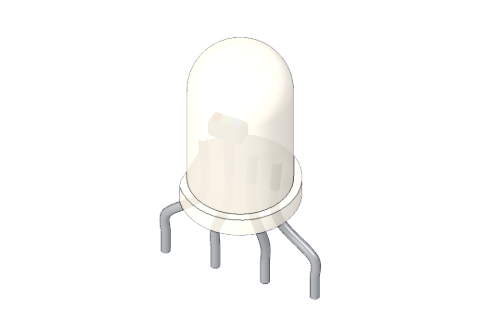
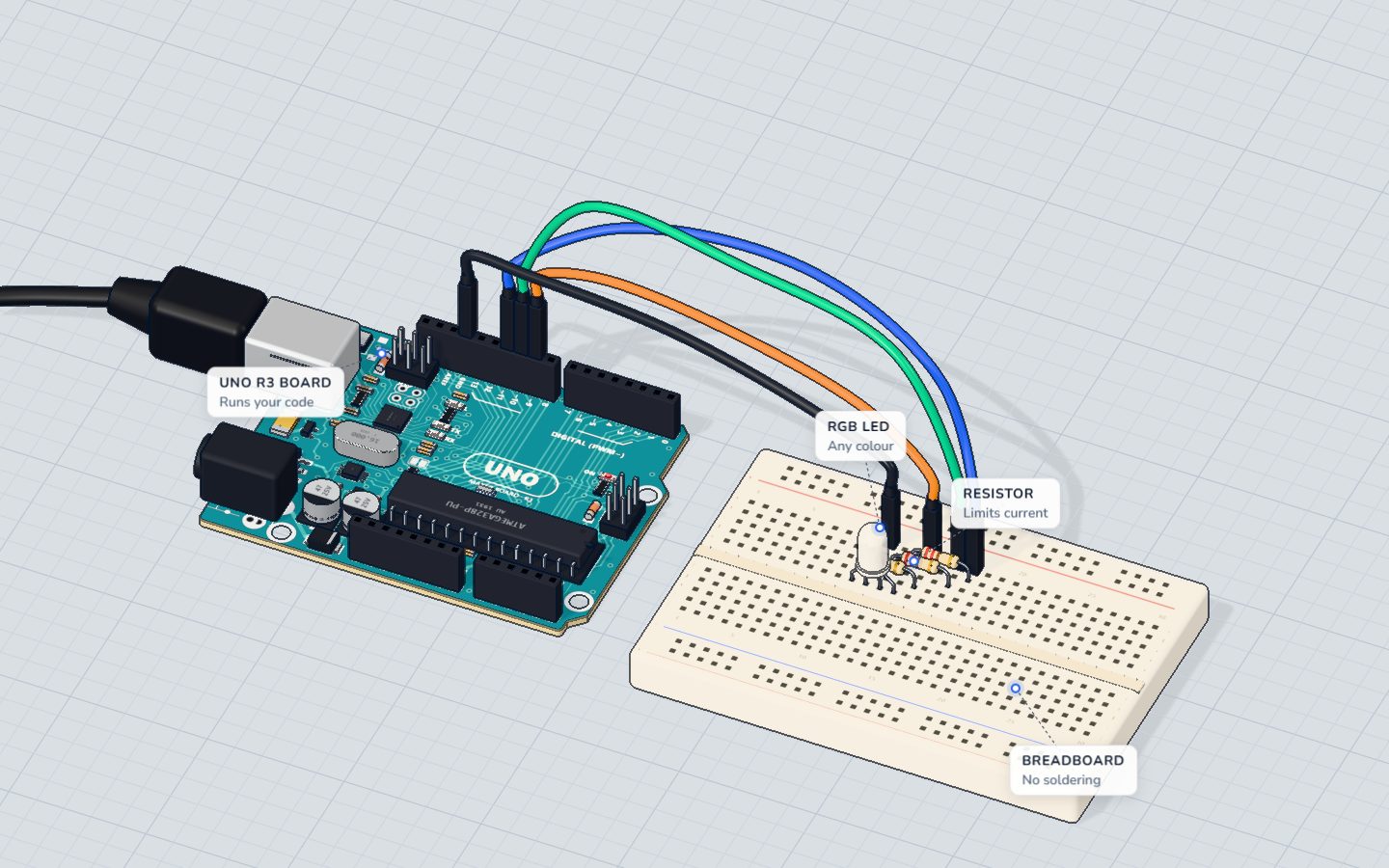
analogRead() gives 0–1023 but analogWrite() wants 0–255, so map() converts between them. The RGB LED project uses three PWM pins (9, 10, 11) at once to mix any colour.
Example 2: a motor's speed
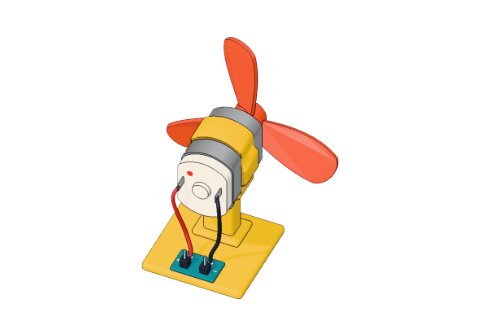
A pin cannot power a motor directly — it needs hundreds of milliamps. In our Motor project a TIP120 transistor does the heavy work, and PWM on pin 6 switches it on and off quickly:
for (int speed = 0; speed <= 255; speed += 15) {
  analogWrite(MOTOR, speed);
  Serial.print("speed ");
  Serial.println(speed);
  delay(150);
}
The fan speeds up step by step. In our 3D lab the small motor draws about 0.5 A at full speed, and its speed follows the average current — so analogWrite(6, 128) gives roughly half speed. Read DC motor with a transistor for the wiring.
Common PWM mistakes
- Using a pin without ~. The LED is just on or off. Move it to 3, 5, 6, 9, 10 or 11.
- Values over 255.
analogWrite(9, 1023)does not mean "full" — usemap()or divide by 4. - Servos and tone. The Servo library and
tone()use the chip's timers too, so PWM on some pins may stop working while they run (with Servo, pins 9 and 10).
Check yourself
What does analogWrite(9, 128) do?
128 out of 255 is about a 50 % duty cycle — an average of about 2.5 V.
Which of these UNO pins can do PWM?
The PWM pins are 3, 5, 6, 9, 10 and 11, marked with ~.
Why does a fast-blinking LED look dim instead of flickering?
The pin is always 5 V or 0 V; it is our eyes that average the pulses.
Questions people ask
Is analogWrite a real analog output?
No. The UNO has no true analog output: analogWrite() makes a fast PWM square wave. For LEDs and motors that works like a lower voltage; if you need a smooth voltage, add a resistor and capacitor filter.
What frequency is Arduino PWM?
On the UNO, about 490 Hz on pins 3, 9, 10 and 11, and about 980 Hz on pins 5 and 6.
Why does my LED not dim with analogWrite?
It is probably on a pin without the ~ mark. Move it to pin 3, 5, 6, 9, 10 or 11 — and change the number in the code.
Can I use PWM to control a motor's speed?
Yes, but never directly from the pin. Use a transistor (like the TIP120) or a motor driver, with a diode across the motor, and send PWM to the transistor's base through a resistor.
Build it yourself in 3DFree, in your browser — no board, no wires, nothing to buy.Open the 3D lab →Your progress stays on this device — no account, nothing sent anywhere.
Last updated 2026-10-29