The short answer
A function is a named block of code. You write it once, then call it by name whenever you need it:
void blinkOnce() {
  digitalWrite(13, HIGH);
  delay(200);
  digitalWrite(13, LOW);
  delay(200);
}

void loop() {
  blinkOnce();
  blinkOnce();
  blinkOnce();   // three blinks, and the blink code exists only once
}
You have used functions since your first sketch: digitalWrite(), delay() and analogRead() are all functions that someone else wrote. Now you can write your own.
The parts of a function
int addTwo(int a, int b) {
  return a + b;
}| Part | Here | What it means |
|---|---|---|
| return type | int | what the function gives back (void = nothing) |
| name | addTwo | what you type to call it |
| parameters | int a, int b | the values you hand in |
| body | { ... } | the code that runs |
return | return a + b; | sends the answer back and ends the function |
Calling it: int total = addTwo(3, 4); puts 7 in total. The numbers 3 and 4 are called arguments. Inside the function they become a and b.
void: a function that does something
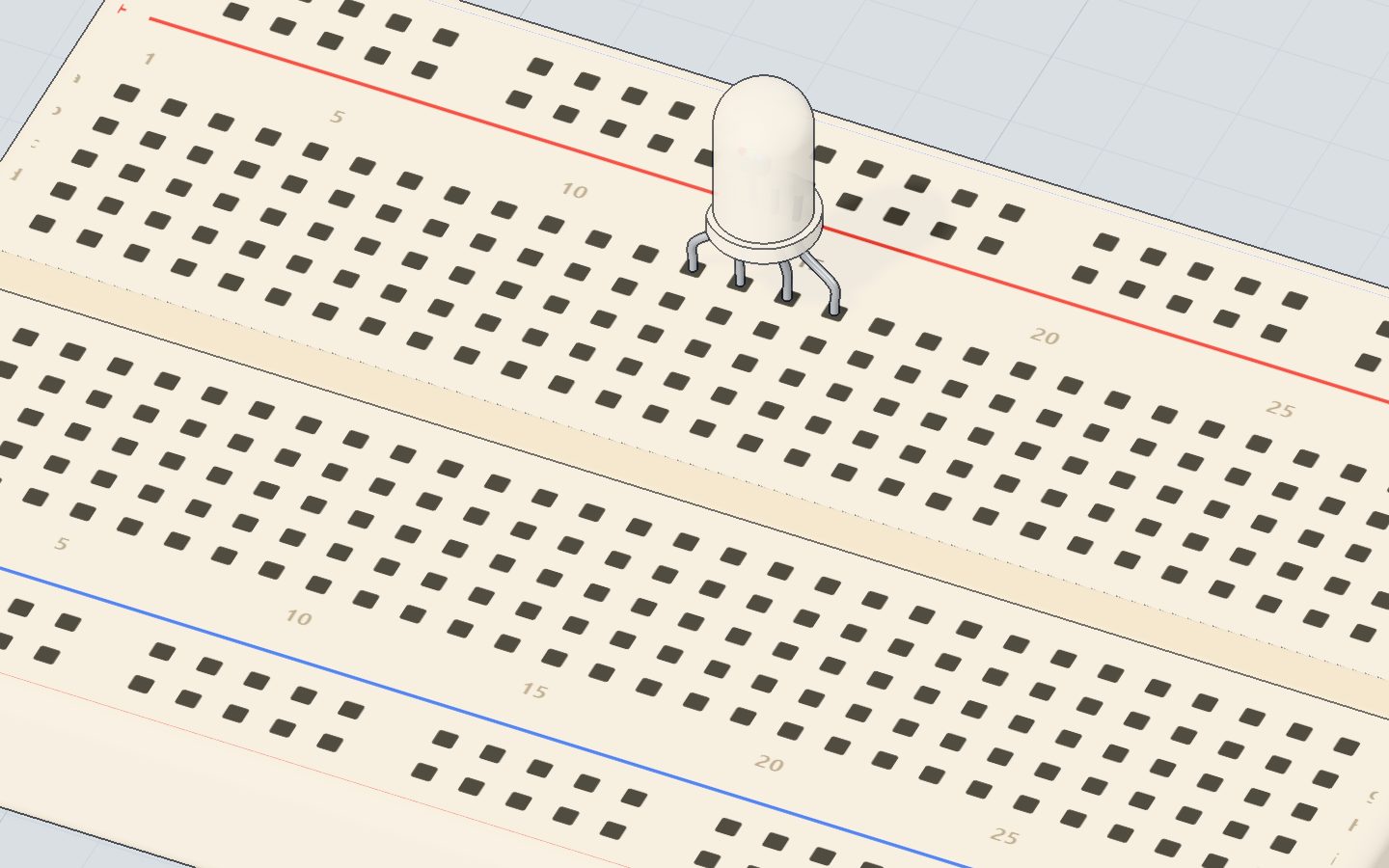
A void function does a job but gives no answer back. The RGB LED project has a good one:
const int RED = 9, GREEN = 10, BLUE = 11;

void setColor(int r, int g, int b) {
  analogWrite(RED, r);
  analogWrite(GREEN, g);
  analogWrite(BLUE, b);
}

void loop() {
  setColor(255, 0, 0);     // red
  delay(800);
  setColor(0, 120, 255);   // sky blue
  delay(800);
}
Without setColor() every colour would need three analogWrite lines. With it, one line. If you later move the LED to other pins, you change one place.
Returning a value
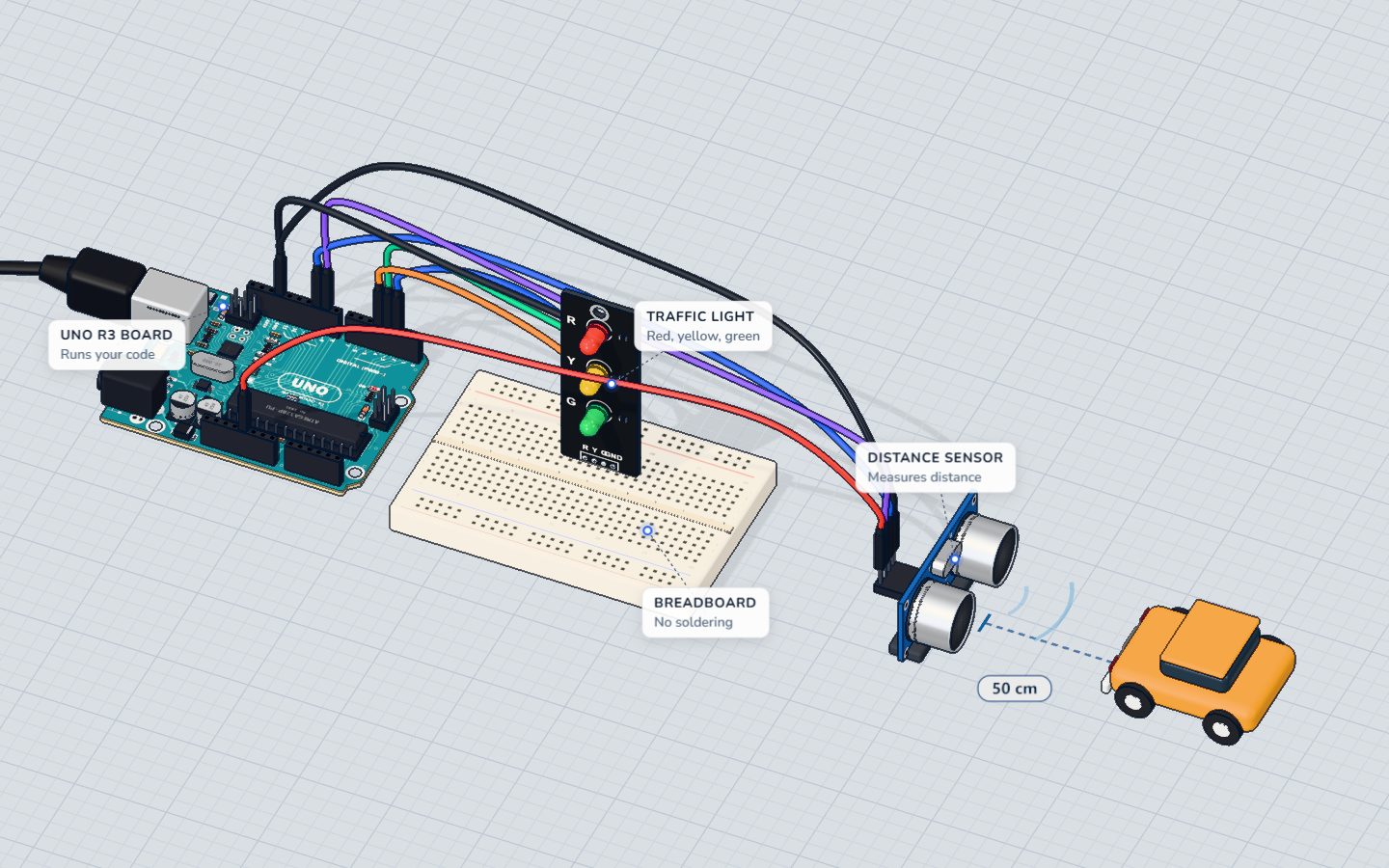
A function with a type other than void answers a question. The parking sensor asks the HC-SR04 "how far away is it?":
long distanceCm() {
  digitalWrite(TRIG, HIGH);
  delayMicroseconds(10);
  digitalWrite(TRIG, LOW);
  return pulseIn(ECHO, HIGH) / 58;   // echo time in µs ÷ 58 = cm
}

void loop() {
  long cm = distanceCm();            // the answer comes back here
  digitalWrite(RED, cm <= 15);
}
Reading the sensor takes five lines. Hiding them in distanceCm() makes loop() read like a sentence: get the distance, light the red LED if it is 15 cm or less. See how the sensor works.
Local and global variables
Where you declare a variable decides who can see it:
int count = 0;              // global: every function can use it

void addOne() {
  int step = 1;             // local: lives only inside addOne()
  count = count + step;
}- A global variable lives for the whole sketch. Use it for things that must be remembered between calls, like
count. - A local variable is created when the function starts and disappears when it ends. Two functions can both have a local
iwithout clashing.
Prefer locals. When a function only uses its parameters and its own locals, you can understand it without reading the rest of the sketch.
Order in the sketch
In plain C++ a function must be written before the line that calls it. The Arduino IDE quietly adds those "prototypes" for you, so you can usually put your functions below loop() and it still works. If you ever see "was not declared in this scope", move the function higher, or add a one-line prototype at the top: long distanceCm();.
Common mistakes
- Forgetting
return. A function declaredintmust return an int on every path. Otherwise the answer is garbage. - Calling without brackets.
blinkOnce;does nothing. WriteblinkOnce();. - Using a parameter name before it exists.
aandbexist only insideaddTwo. - A function that uses
delay()for a long time. While it waits, nothing else runs. See millis() vs delay(). - Changing a parameter and expecting the original to change. Arguments are copies.
void bump(int n) { n = n + 1; }leaves the caller's variable unchanged.
Check yourself
What does a void function return?
void means "no value comes back". The function still runs its code.
What happens to a local variable when its function ends?
Local variables exist only while the function runs. Use a global to remember something between calls.
In int total = addTwo(3, 4); what are 3 and 4?
The values you pass in are called arguments. Inside the function they are the parameters a and b.
Questions people ask
Can an Arduino function return more than one value?
Not directly. You can return one value, or you can change global variables, or pass in the address of a variable (a pointer or reference) that the function fills. A simple way: return a struct, or split the job into two functions.
Is setup() a function?
Yes. setup() and loop() are functions the Arduino core calls for you: setup() once at start, loop() over and over. Both are void with no parameters.
How many functions can a sketch have?
As many as fit in the UNO's 32 KB of flash memory. Functions cost very little, so there is no reason to avoid them.
Can a function call itself?
Yes, that is called recursion, but on an UNO with only 2 KB of RAM it can run out of memory quickly. Beginners should use a loop instead.
What's next
Use your new skill to tidy an old sketch: pull the sensor reading into a function in the parking sensor. Then learn how to pick one action from many in switch and case.
Build it yourself in 3DFree, in your browser — no board, no wires, nothing to buy.Open the 3D lab →Your progress stays on this device — no account, nothing sent anywhere.
Last updated 2026-11-17