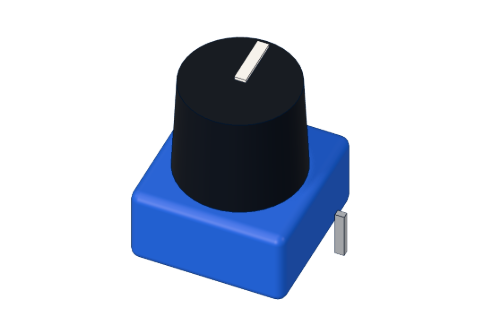
What you need
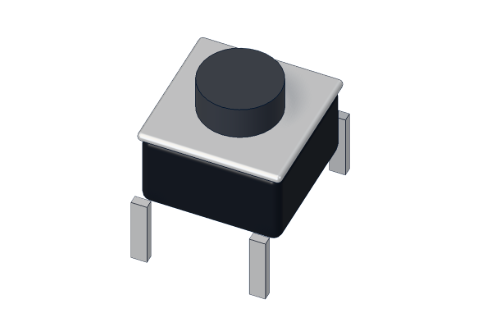 Push button (6 mm)
 10 kΩ resistor
 Arduino UNO R3 (or a compatible board)
 Half-size breadboard
- Jumper wires (male–male)
Don't have the parts? Build it in 3D first.
What it is
The small square tactile push button (6 × 6 mm) is a switch that joins two wires only while you hold it down. Let go and a spring pops it back up, and the wires are apart again. Your Arduino reads it with digitalRead(): HIGH or LOW, pressed or not. See it in 3D.
How it works inside
Under the black plunger are two metal strips and a small springy metal dome. Each strip joins two legs, so the button really has only two sides:
- legs 1 and 3 are always joined;
- legs 2 and 4 are always joined;
- pressing the dome connects side 1–3 to side 2–4.
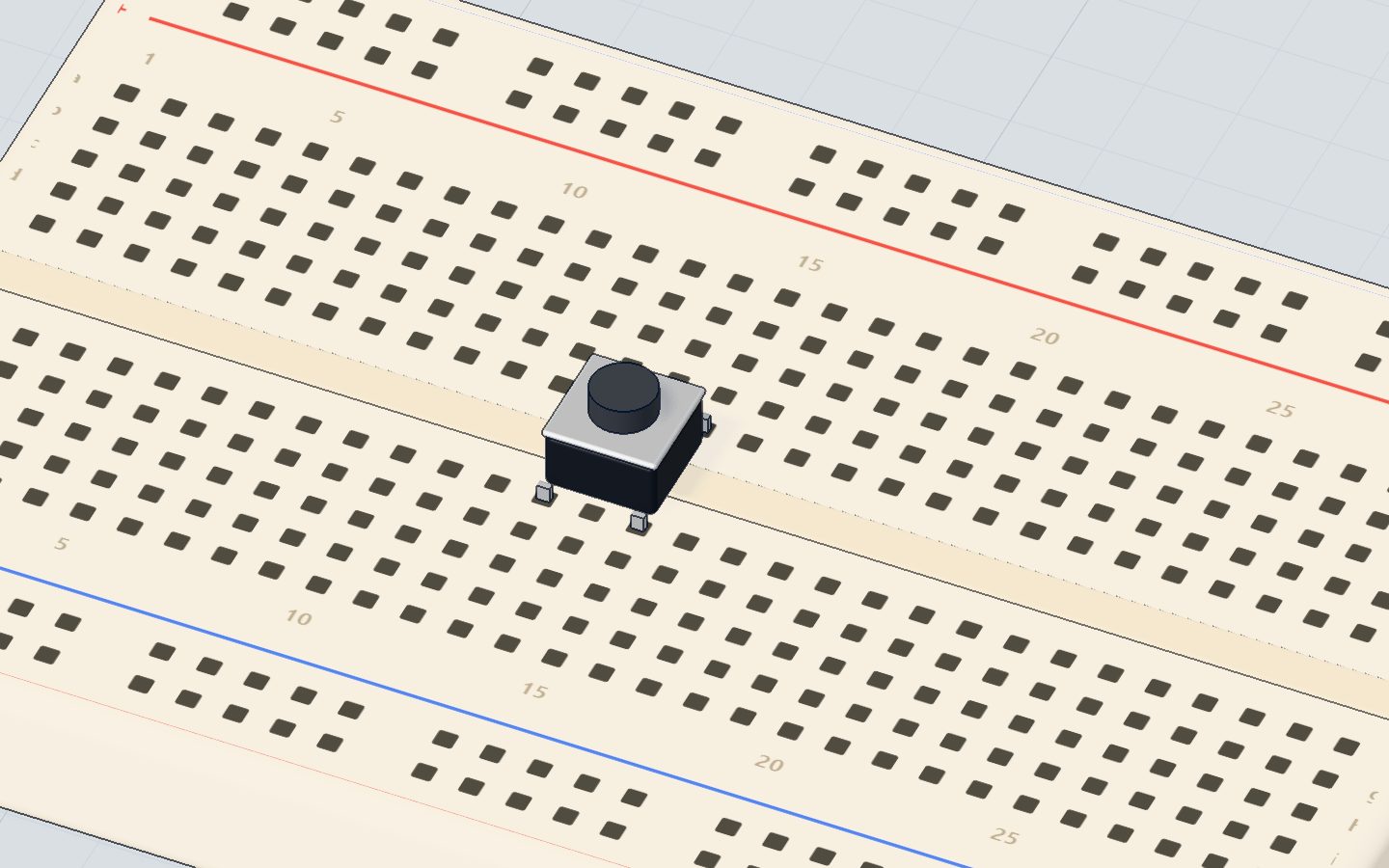
On a breadboard the button sits across the middle gap. The legs that face each other across the gap (1 and 3, 2 and 4) are the ones joined all the time. So to use the button as a switch, take your two wires from legs on the same side of the gap but different columns — for example legs 1 and 2.
| Pins | What they do |
|---|---|
| Legs 1 · 3 | Always joined (across the gap) |
| Legs 2 · 4 | Always joined |
| 1 ↔ 2 | Joined while pressed |
Why the pin needs a pull-down (or pull-up) resistor
When the button is up, the input pin is connected to nothing. A pin connected to nothing "floats": it picks up tiny charges from the air and reads random HIGHs and LOWs. The fix is a resistor that gently holds it at one level:
| Method | Wiring | Not pressed | Pressed |
|---|---|---|---|
| Pull-down (our project) | Button between 5V and the pin, 10 kΩ from the pin to GND | LOW | HIGH |
| Built-in pull-up | Button between the pin and GND, pinMode(pin, INPUT_PULLUP) | HIGH | LOW |
Why 10 kΩ? When you press, 5 V goes through it to GND: 5 V ÷ 10,000 Ω = 0.5 mA — tiny, so nothing gets hot, but strong enough to hold the pin LOW when you let go. Full story in pull-up and pull-down resistors.
How to wire it to an Arduino
The pull-down wiring from the push button project:
- Push the button across the middle gap of the breadboard.
- A jumper from 5V to the column of leg 1.
- A jumper from pin 2 to the column of leg 2.
- A 10 kΩ resistor from leg 2's column to another column, and a jumper from there to GND.
- For something to see: an LED and a 220 Ω resistor on pin 13, to GND.
| Part pin | Goes to | What it does |
|---|---|---|
| Leg 1 | 5V | Gives the pin 5 V when pressed |
| Leg 2 | Pin 2 | The input the code reads |
| Leg 2 (through 10 kΩ) | GND | Holds pin 2 LOW when not pressed |
Example code
The exact code of the push button project:
const int BUTTON = 2;
const int LED = 13;
int was = LOW;

void setup() {
  pinMode(BUTTON, INPUT);   // the 10 kΩ resistor pulls it down to LOW
  pinMode(LED, OUTPUT);
  Serial.begin(9600);
}

void loop() {
  int now = digitalRead(BUTTON);
  digitalWrite(LED, now);
  if (now != was) {         // only report a change
    Serial.println(now == HIGH ? "pressed" : "released");
    was = now;
  }
}
pinMode(BUTTON, INPUT)makes pin 2 an input; the resistor does the pulling.digitalRead(BUTTON)gives HIGH while pressed, LOW otherwise.digitalWrite(LED, now)copies the button to the LED.if (now != was)prints only when something changes, not thousands of times a second.
Prefer no resistor at all? Use the built-in pull-up — and remember that pressed now reads LOW:
void setup() {
  pinMode(2, INPUT_PULLUP);
  pinMode(13, OUTPUT);
}

void loop() {
  digitalWrite(13, digitalRead(2) == LOW);
}
Common mistakes
- Using two legs that are always joined. The pin reads "pressed" all the time. Take your wires from legs 1 and 2, not 1 and 3.
- No pull-down resistor. The LED flickers by itself, or reacts when your hand comes near. Add 10 kΩ to GND, or use
INPUT_PULLUP. - Button not across the gap. All four legs end up in two joined rows, and it is always "pressed".
- Wrong logic with INPUT_PULLUP. Pressed is LOW, not HIGH. Test for
== LOW.
Check yourself
Which legs of a 4-leg push button are joined all the time?
1–3 and 2–4 are always joined; pressing joins 1 to 2.
With INPUT_PULLUP, what does digitalRead() give while the button is pressed?
The pull-up holds the pin HIGH; pressing joins it to GND, so it reads LOW.
What happens to an input pin with no pull-down when the button is up?
With nothing connected, it picks up noise. A resistor gives it a clear level.
Questions people ask
Why does my Arduino button read random values?
The input is floating. Add a 10 kΩ pull-down resistor from the pin to GND, or switch to pinMode(pin, INPUT_PULLUP) and wire the button to GND instead of 5V.
Do I need a resistor for a push button on Arduino?
You need a pull-up or pull-down. Either add a 10 kΩ resistor yourself or use INPUT_PULLUP, which turns on a resistor built into the chip — then no extra part is needed.
Why does one press count as several?
Contact bounce: the metal touches and lets go several times in a few milliseconds. Wait about 20–50 ms after a change before reading again.
Which pins can I use for a button?
Any digital pin, D2–D13, and even A0–A5. Avoid D0 and D1; they carry the serial monitor.
Where it is used
The push button project lights an LED with it. Eight buttons become the keys of the mini piano in the 3D lab, and one starts the prize wheel spinning.
Build it yourself in 3DFree, in your browser — no board, no wires, nothing to buy.Open the 3D lab →Your progress stays on this device — no account, nothing sent anywhere.
Last updated 2026-10-29