The short answer
An input pin that is connected to nothing is floating: it picks up electrical noise and reads HIGH and LOW at random. A pull-down resistor (to GND) or a pull-up resistor (to 5 V) gives the pin a clear, default value when the button is not pressed.
- Pull-down: a 10 kΩ resistor from the pin to GND → the pin reads LOW until you press; the button connects it to 5 V → HIGH.
- Pull-up: a resistor from the pin to 5 V → the pin reads HIGH until you press; the button connects it to GND → LOW.
The UNO even has pull-up resistors built in. Turn one on with pinMode(pin, INPUT_PULLUP) and you need no extra resistor at all.
Why a pin floats
An input pin is very "light": it draws almost no current, so it only listens to the voltage. Connect it to 5 V and it reads HIGH; connect it to GND and it reads LOW. But a button only connects the pin while you press it. When you let go, the pin is joined to nothing — and a wire joined to nothing behaves like a tiny antenna. Your hand nearby, mains wiring in the wall or the pin next door can all push it around.
The pull-down: how our button project does it
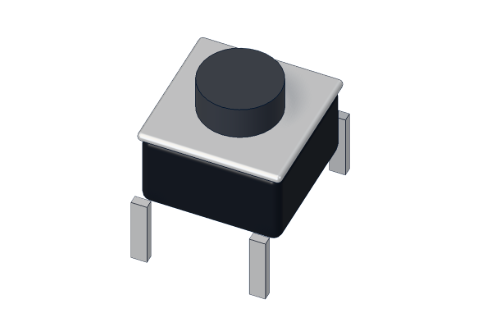
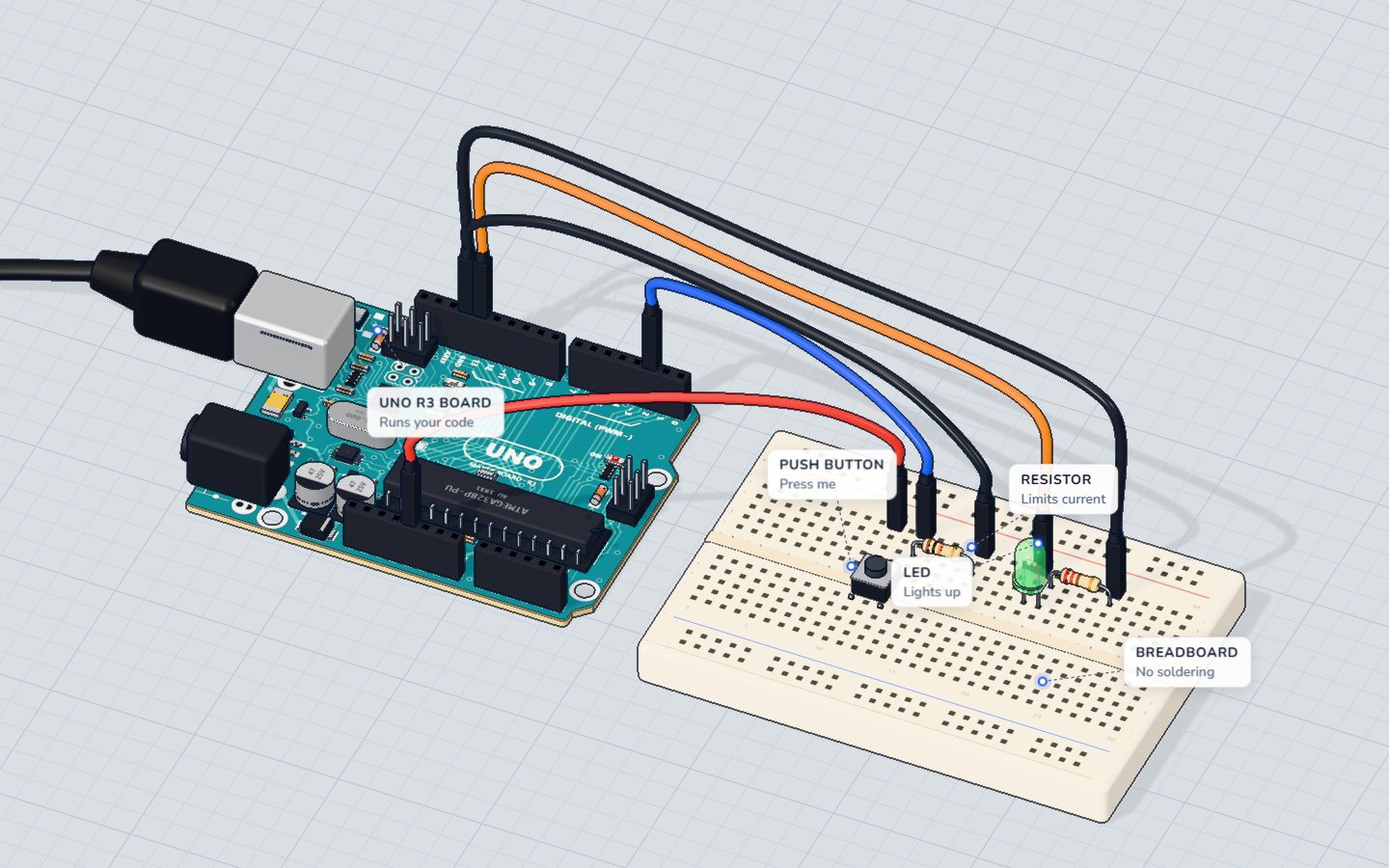
In our Push-a-button project, the button joins 5 V to pin 2 while you hold it, and a 10 kΩ resistor joins pin 2 to GND all the time. The code is plain INPUT:
const int BUTTON = 2;
const int LED = 13;
int was = LOW;

void setup() {
  pinMode(BUTTON, INPUT);   // the 10 kΩ resistor pulls it down to LOW
  pinMode(LED, OUTPUT);
  Serial.begin(9600);
}

void loop() {
  int now = digitalRead(BUTTON);
  digitalWrite(LED, now);
  if (now != was) {         // only report a change
    Serial.println(now == HIGH ? "pressed" : "released");
    was = now;
  }
}
Released: no current flows through the resistor, so pin 2 sits at 0 V → LOW. Pressed: pin 2 is joined straight to 5 V → HIGH. A small current also flows through the resistor to GND:
| Working | Result | |
|---|---|---|
| Current through the pull-down when pressed | 5 V ÷ 10 000 Ω | 0.5 mA |
Half a milliamp — nothing. That is why the value is "big": large enough to waste almost no current, small enough to beat the noise.
INPUT_PULLUP: no resistor needed
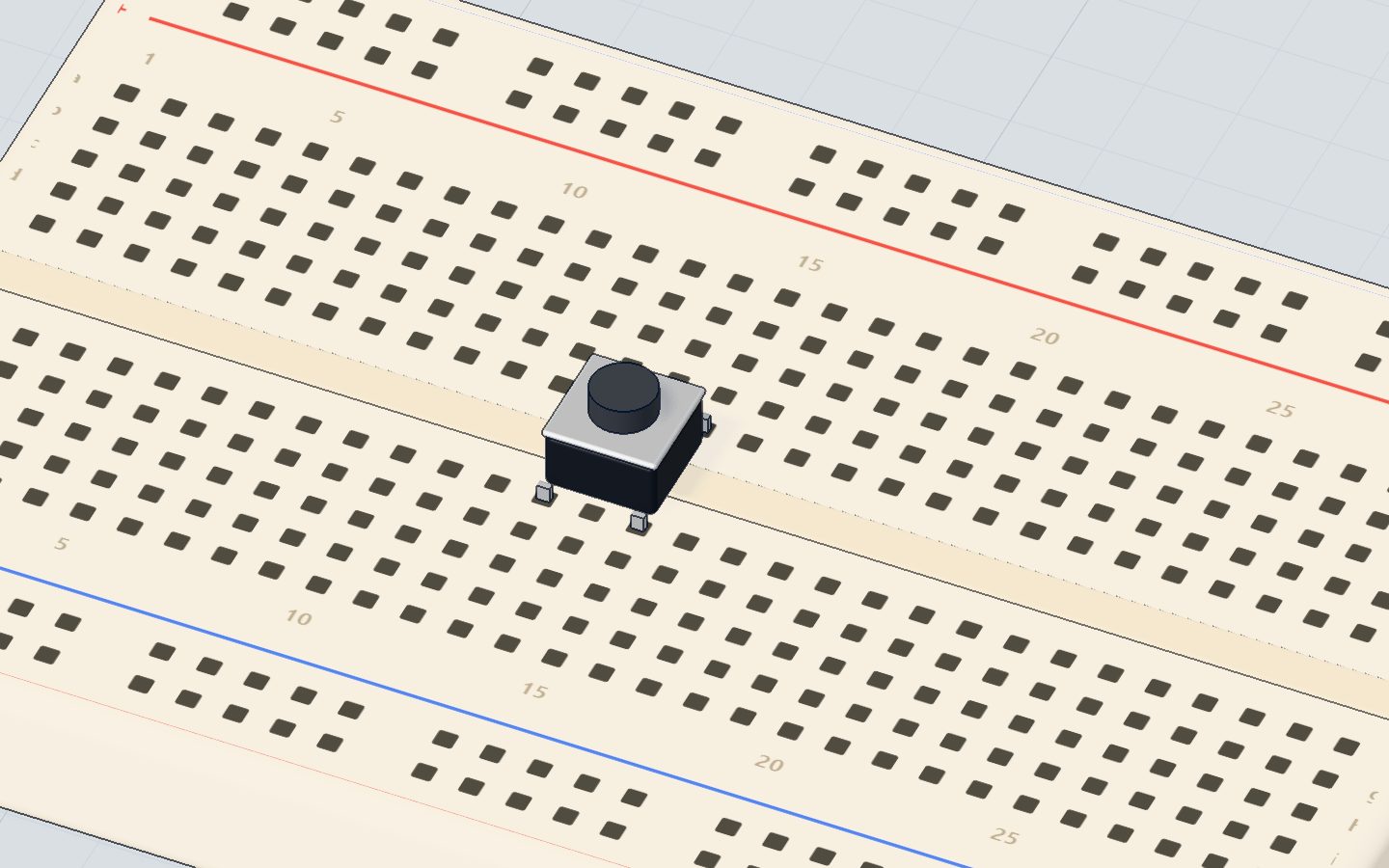
The ATmega328P has a pull-up resistor inside every pin (somewhere between 20 and 50 kΩ — our 3D lab uses 35 kΩ). Switch it on with INPUT_PULLUP, then wire the button between the pin and GND. Now the logic is upside down: LOW means pressed.
const int BUTTON = 2;
const int LED = 13;

void setup() {
  pinMode(BUTTON, INPUT_PULLUP);   // the built-in resistor holds pin 2 HIGH
  pinMode(LED, OUTPUT);
}

void loop() {
  if (digitalRead(BUTTON) == LOW) {   // LOW = pressed
    digitalWrite(LED, HIGH);
  } else {
    digitalWrite(LED, LOW);
  }
}| Pull-down (our button project) | INPUT_PULLUP | |
|---|---|---|
| Extra parts | 10 kΩ resistor | none |
| Button goes to | 5 V | GND |
| Not pressed reads | LOW | HIGH |
| Pressed reads | HIGH | LOW |
Many makers prefer INPUT_PULLUP: one fewer part and one fewer wire. The pull-down is easier to understand at first, because pressed = HIGH.
Where else you meet pull resistors
- Light sensors and FSRs: the 10 kΩ resistor in the night light does a similar job — together with the sensor it forms a voltage divider.
- I²C displays and sensors: the two I²C wires need pull-ups; most modules have them on board.
- Reset pin: the UNO's RESET pin has a pull-up, so the board only resets when the button pulls it to GND.
Check yourself
What does a floating input pin read?
With nothing connected it picks up noise and can read anything.
With INPUT_PULLUP and a button to GND, what does the pin read when the button is pressed?
The internal resistor holds it HIGH; pressing joins it to GND, so it reads LOW.
Why is a pull-down usually 10 kΩ and not 10 Ω?
5 V ÷ 10 kΩ is 0.5 mA; 5 V ÷ 10 Ω would be 500 mA — a short.
Questions people ask
Do I need a resistor for a button on Arduino?
Yes, either an external pull-down or pull-up (10 kΩ is the usual value) or the built-in one, turned on with pinMode(pin, INPUT_PULLUP). Without one the pin floats and gives random readings.
What value pull-up resistor should I use?
10 kΩ is the standard choice for buttons. Anything from about 4.7 kΩ to 47 kΩ works; smaller values resist noise better but waste more current.
Is INPUT_PULLUP better than an external resistor?
For buttons on an Arduino, usually yes: it needs no extra part. Just remember the logic is reversed — pressed reads LOW.
Why does my button work randomly?
Almost always a floating pin: the resistor is missing, in the wrong strip of the breadboard, or INPUT_PULLUP is not set. Check that the pin has a path to GND or 5 V when the button is up.
Your progress stays on this device — no account, nothing sent anywhere.
Last updated 2026-10-29